
1
Write the video idea
Describe the motion, shot, action, and atmosphere you want to generate.
 ImagineHub
Create videos from text, images, reference footage, or frame-based setups, then refine fast with reusable presets and model controls.
Explore everyday scenes, product ads, and cinematic action. Reuse a prompt and its reference assets to make your own video.
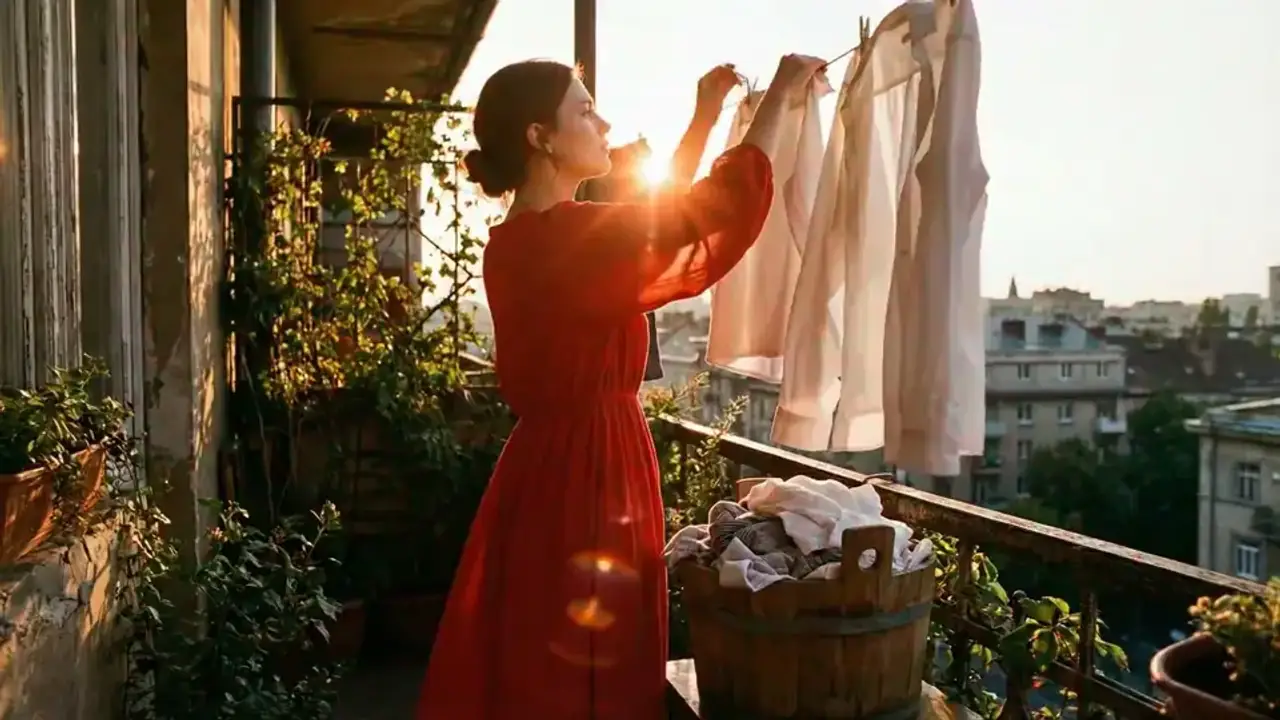
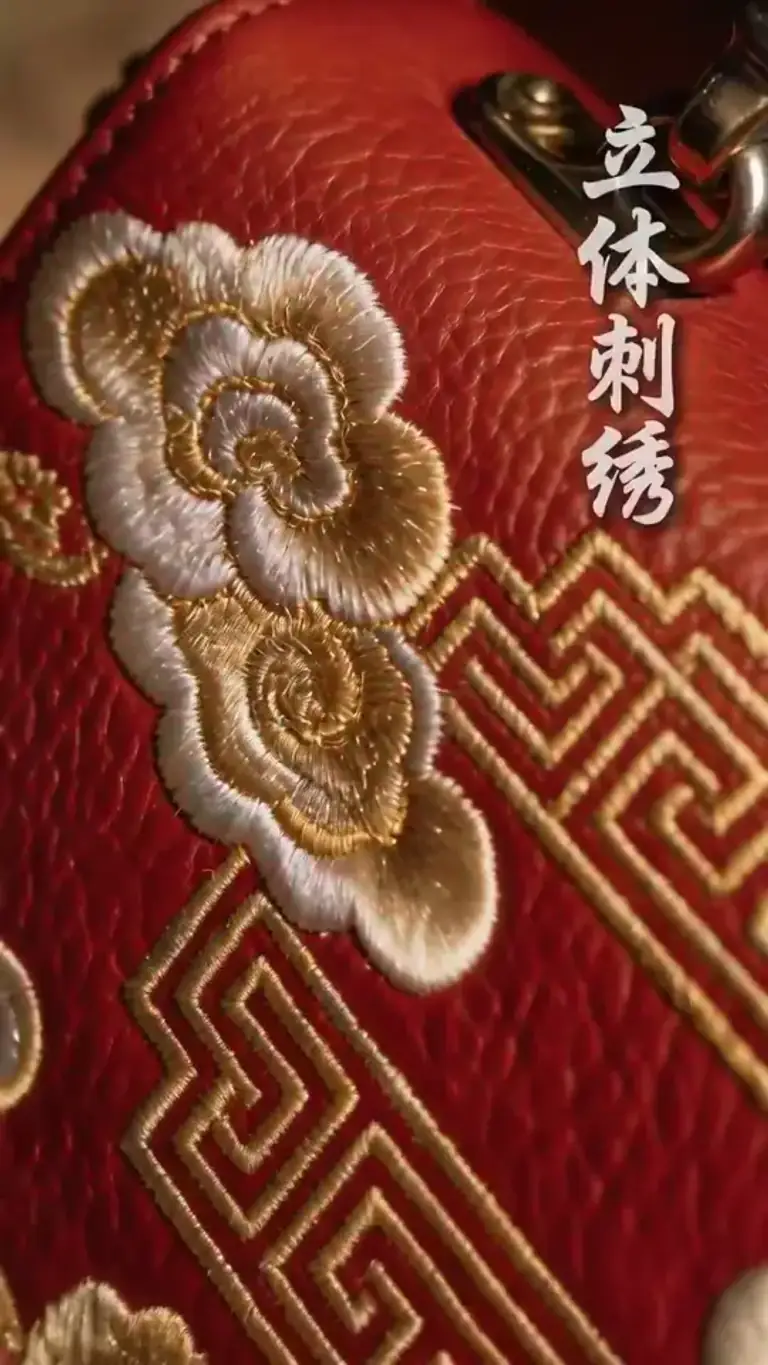
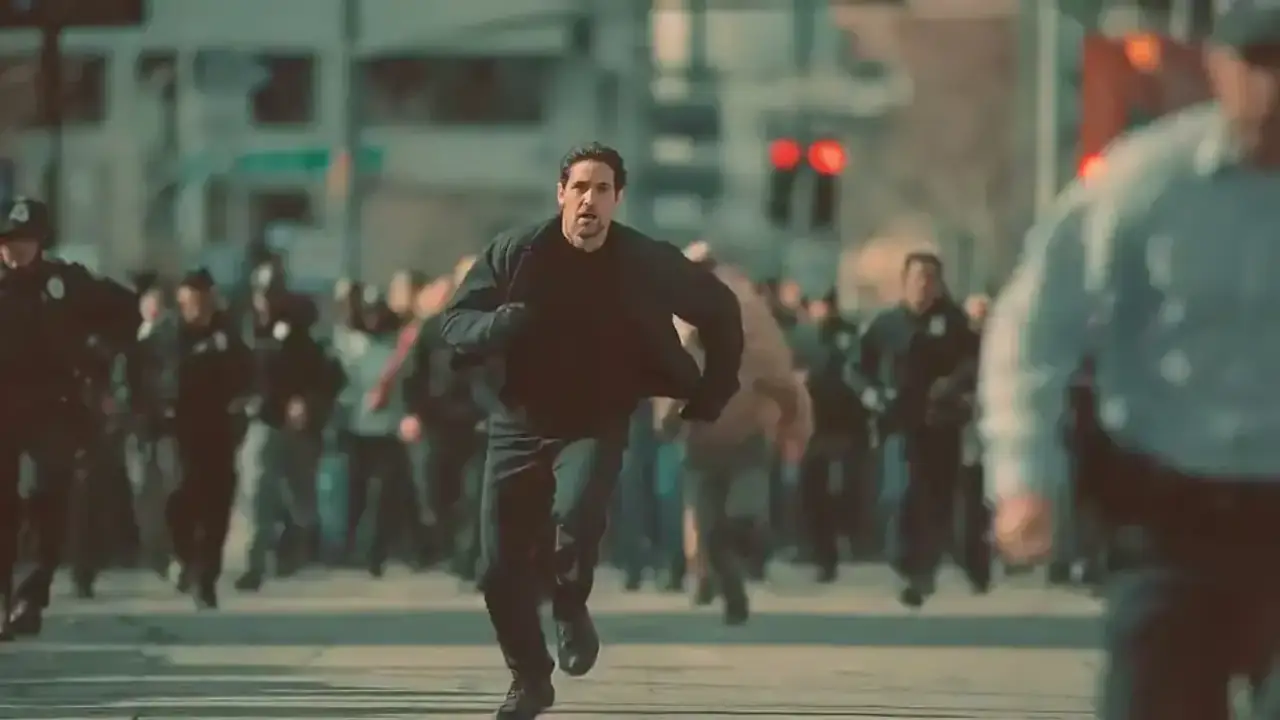
Start from an idea, choose the right motion setup, and turn it into a usable AI video clip fast.
Describe the motion, shot, action, and atmosphere you want to generate.
Attach images or videos, then choose the mode, ratio, duration, and resolution that match the shot.
Run the model, preview the result, then iterate with better prompts or inspired presets.
Built for flexible AI video creation with stronger prompt control, cleaner reference guidance, and faster iteration.
Turn plain language into motion scenes, teaser shots, loops, and short-form video concepts.
Use images or videos as references to keep characters, motion rhythm, and visual direction more consistent.
Generate smoother motion between opening and ending frames for narrative beats or product moments.
Switch between text-led and reference-led generation paths depending on the type of shot you need.
Produce vertical, square, or landscape videos with settings tuned for social, cinematic, or promo use cases.
Reuse strong examples as starting points, then customize prompts and references without rebuilding from scratch.
Choose the plan that works best for you. Cancel anytime.
$180 USD billed yearly
$420 USD billed yearly
$720 USD billed yearly
All payments are securely processed by Stripe.
Common questions about how AI Video Generator works, what inputs it supports, and how to get better results.
You can create AI videos from text prompts, reference images, reference videos, or first-last frame setups depending on the type of scene you want.
No. You can begin from pure prompts or use uploaded references when you want tighter control over motion, composition, or visual consistency.
Use clearer motion language, add strong visual references when needed, and iterate with inspired examples to improve framing, pacing, and scene direction.
Yes. The Get Inspired section is designed to preload prompts, references, and settings so you can adapt them into your own video variations quickly.
Jump into ImagineHub’s core workflows for images, video, and studio projects.
Create images from text prompts
Apply cinematic looks to any photo
Generate clips from prompts or references
Restyle uploaded clips with filmic looks
Turn a scene description into a clip
Plan story, scenes, characters, and assets
Turn one idea into images, videos, or studio-ready content with the mode that fits your project.