
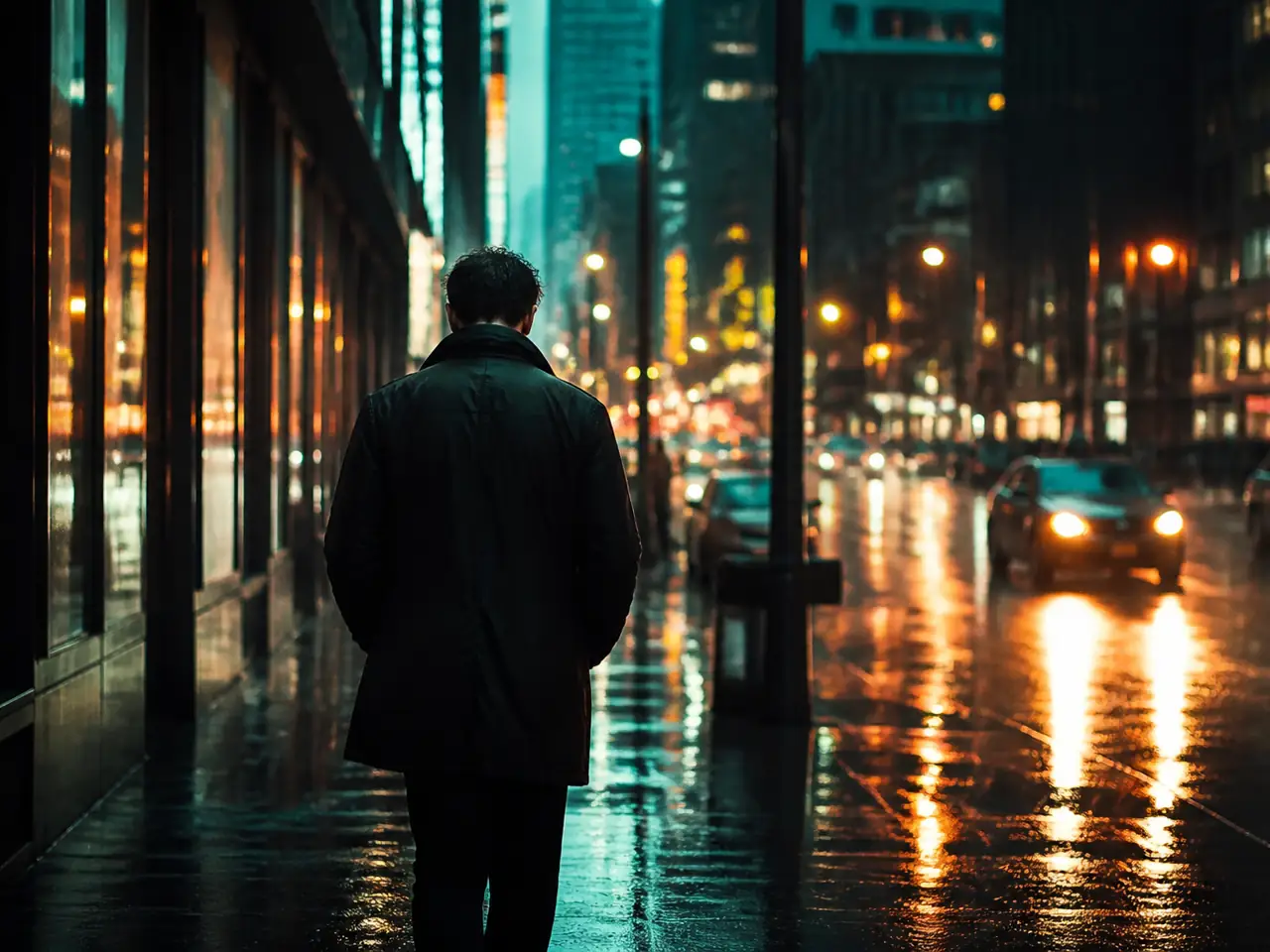
Cinematic color grade
Shift portraits and city clips into a filmic teal-and-orange grade with stronger atmosphere.
 ImagineHub
No Videos Generated
Upload any clip and apply a wide range of video effects: cinematic grades, studio lighting, vintage film, fashion editorial, and painterly looks. This page is not limited to anime restyling.
Video effect examples
Explore cinematic, product, film, and fashion treatments before generating your own restyled clip.
Shift portraits and city clips into a filmic teal-and-orange grade with stronger atmosphere.
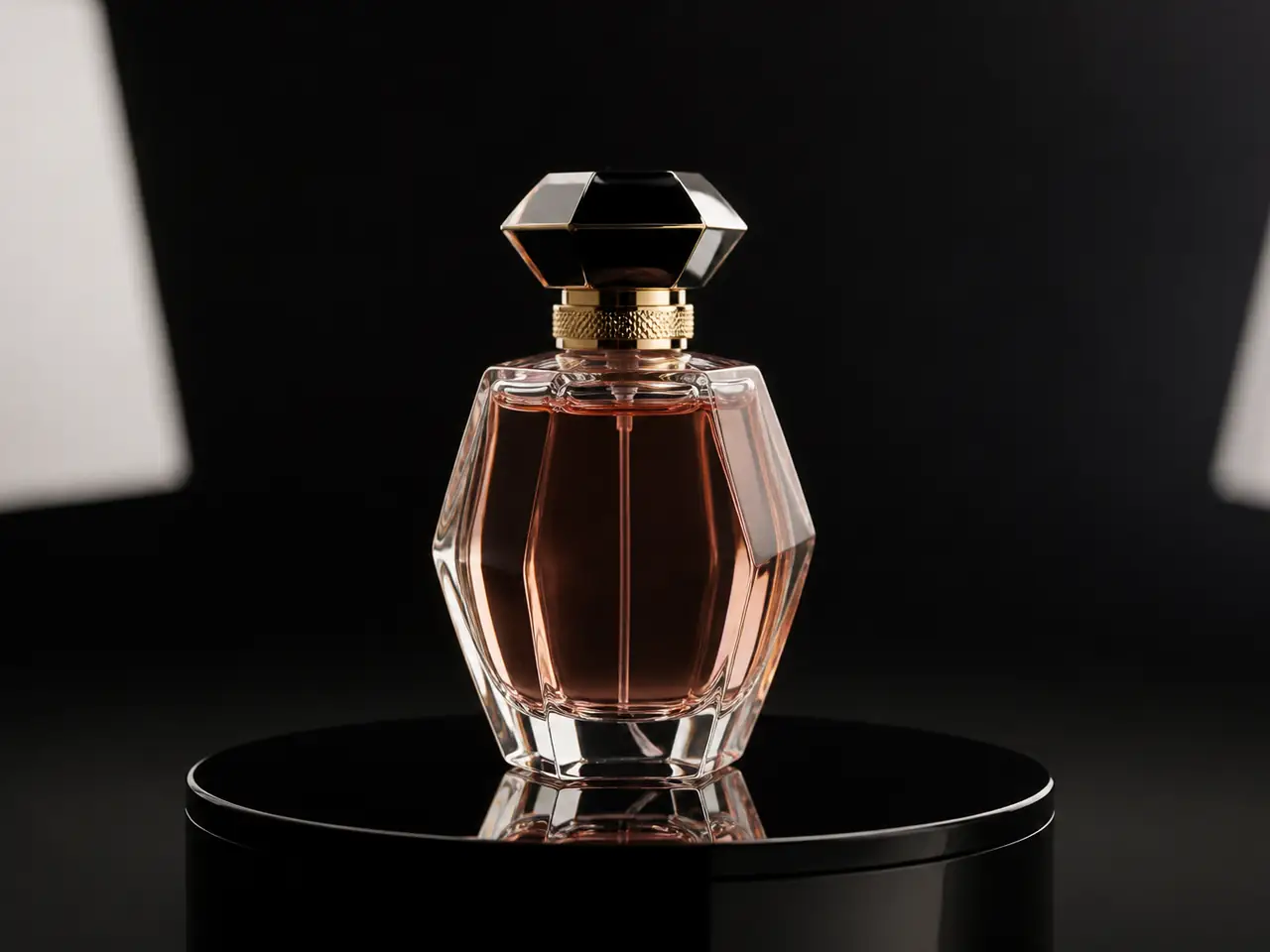
Turn a casual product clip into a catalog-quality studio shot with controlled light and reflections.
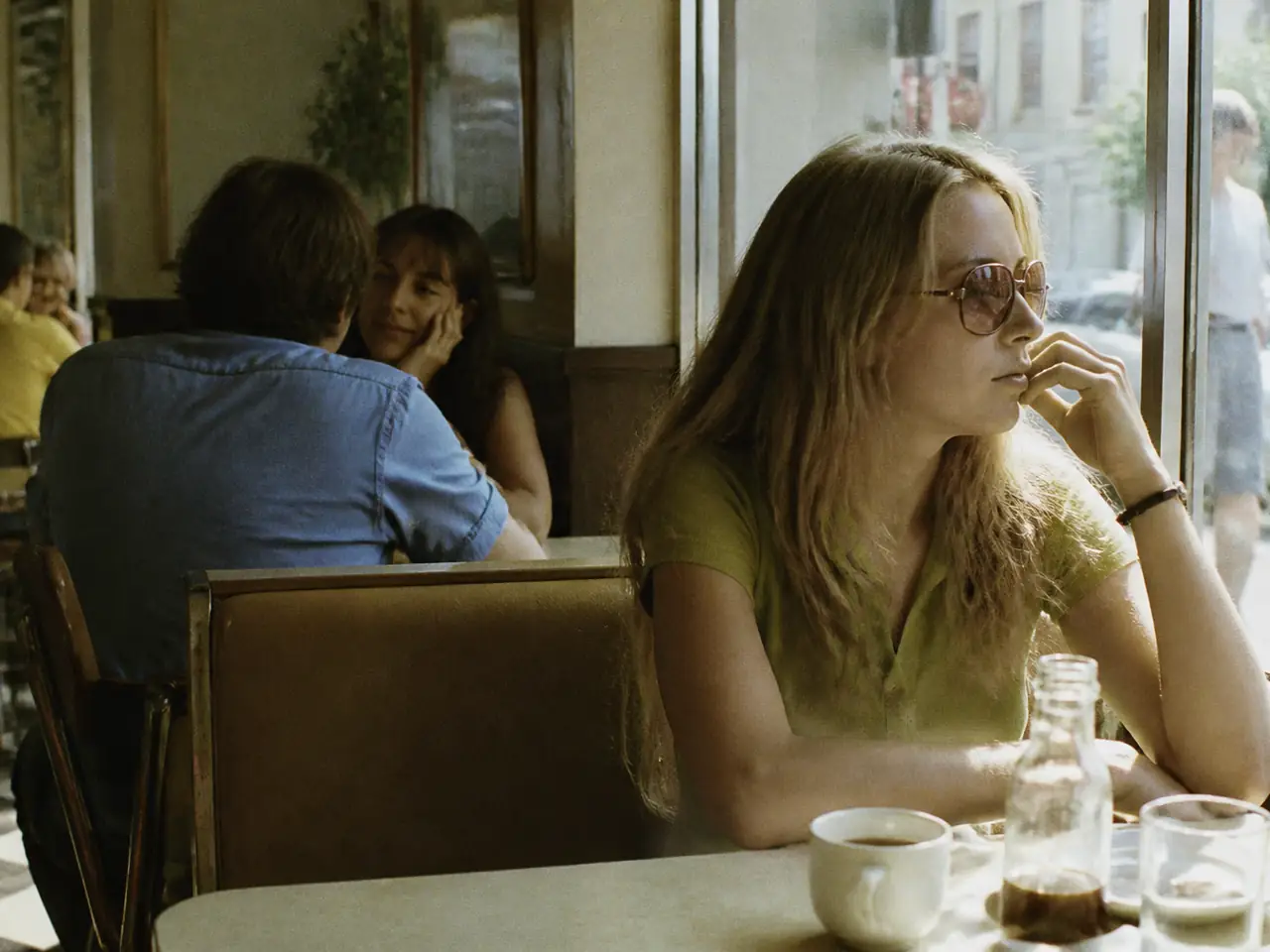
Add analog grain, faded greens, and warm highlights for a documentary film feel.
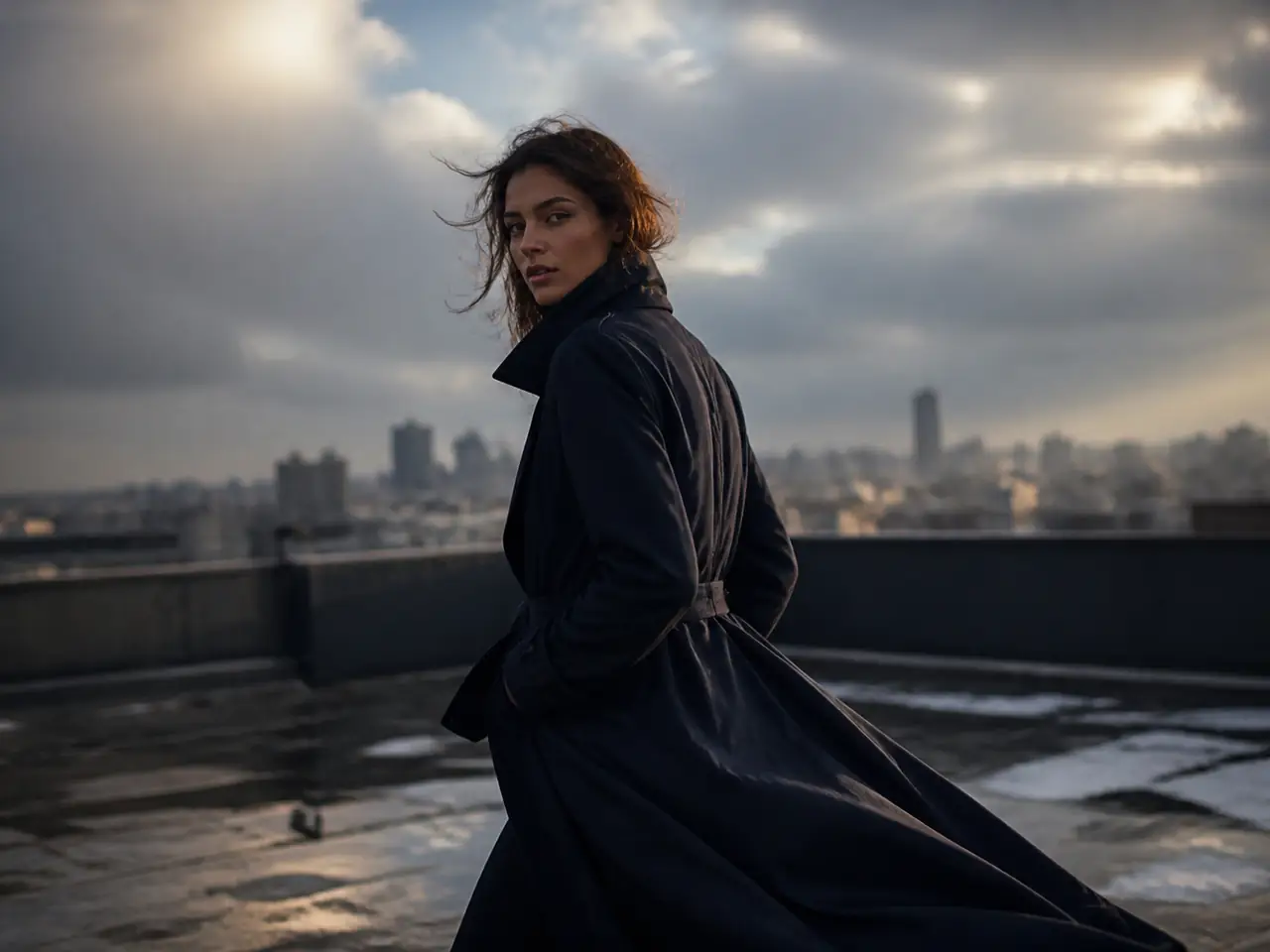
Push clothing, pose, and location toward a magazine editorial with dramatic light.
How it works
The workflow stays practical: upload footage, choose a look, then generate the restyled clip.
Choose a clear source clip with a visible subject, readable motion, and the scene you want to restyle.
Pick a cinematic, studio, film, fashion, or painterly look and add prompt details for lighting, mood, or camera feel.
Review the restyled output, then download it for social posts, ads, edits, or campaign work.
Core features
Video Effects focuses on changing the look of a clip while keeping motion usable across commercial and creative work.
Transform the look of a clip while keeping the main action and subject rhythm readable.
Guide cinematic, product, film, or fashion direction with style choices and text details.
Use the workflow for shorts, ads, product clips, editorials, and campaign experiments.
Costs follow the same pricing and credit system used across ImagineHub video tools.
Use it when live footage needs a stronger commercial, cinematic, or artistic look — not only anime.
Create restyled clips for ads, Shorts, Reels, intros, and brand content.
Upgrade listings and catalogs with cleaner studio light and premium surface detail.
Give streets, cafes, and landscapes a film grade, vintage look, or painterly finish.
Turn clothing references into campaign-ready editorial motion.
Cleaner input footage gives the model better motion and subject information to work with.
Use short clips first so you can iterate faster before spending more credits.
Choose footage where the main subject is visible and not hidden by heavy blur or darkness.
Avoid rapid camera shake when you need the final motion to stay readable.
Add prompt details for lighting, color, texture, mood, and camera feel.
Choose the plan that works best for you. Cancel anytime.
$180 USD billed yearly
$420 USD billed yearly
$720 USD billed yearly

All payments are securely processed by Stripe.
Common questions about applying video effects to uploaded footage.
They restyle an uploaded clip with a chosen look — cinematic grade, studio lighting, vintage film, fashion editorial, and similar treatments — while using the original motion as reference.
No. This page covers a broad set of video effects for photos-in-motion, products, portraits, travel scenes, and campaign visuals. Use Video to Anime if you specifically want an anime conversion.
Clear clips with visible subjects, readable motion, and moderate camera movement usually work best. Very blurry or crowded footage can be harder to restyle cleanly.
The model uses the uploaded video as a reference, so it aims to preserve the main movement and scene rhythm, but results can vary by model, look, and prompt.
Yes. Video generation uses credits, and the current cost is shown in the tool before you submit a generation.
You are responsible for the rights to the uploaded video, audio, people, brands, and final usage. Use original, licensed, or properly authorized material for commercial work.
Jump into ImagineHub’s core workflows for images, video, and studio projects.
Create images from text prompts
Apply cinematic looks to any photo
Generate clips from prompts or references
Restyle uploaded clips with filmic looks
Turn a scene description into a clip
Plan story, scenes, characters, and assets
Turn one idea into images, videos, or studio-ready content with the mode that fits your project.