
Reusable cutouts
Prepare subjects for posts, product listings, presentations, and design tools.
 ImagineHub
No Images Generated
AI Background Remover
AI separates the main subject from the background. Upload one image, sign in to process it, and download the cutout for your next design.
Prepare subjects for posts, product listings, presentations, and design tools.
Reduce manual selection around hair, clothing, and objects. Fine edges may still need review.
Upload one image, process it, and download the result from the same workspace.
Use portraits, products, graphics, or sticker artwork with a clear foreground subject.
Background remover examples
Generated examples illustrate character, product, portrait, and sticker workflows.
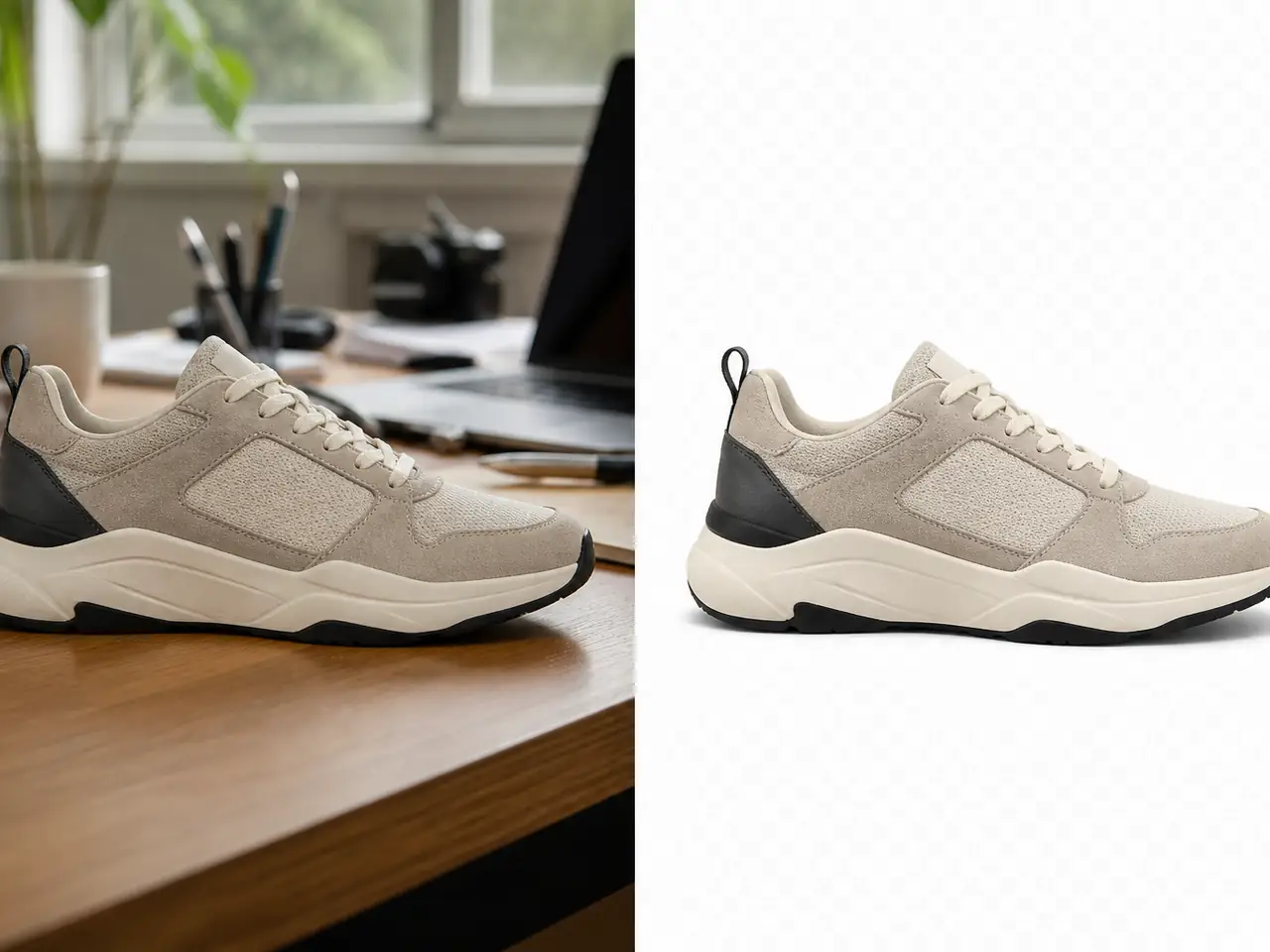
Isolate merchandise for a listing or catalog layout.
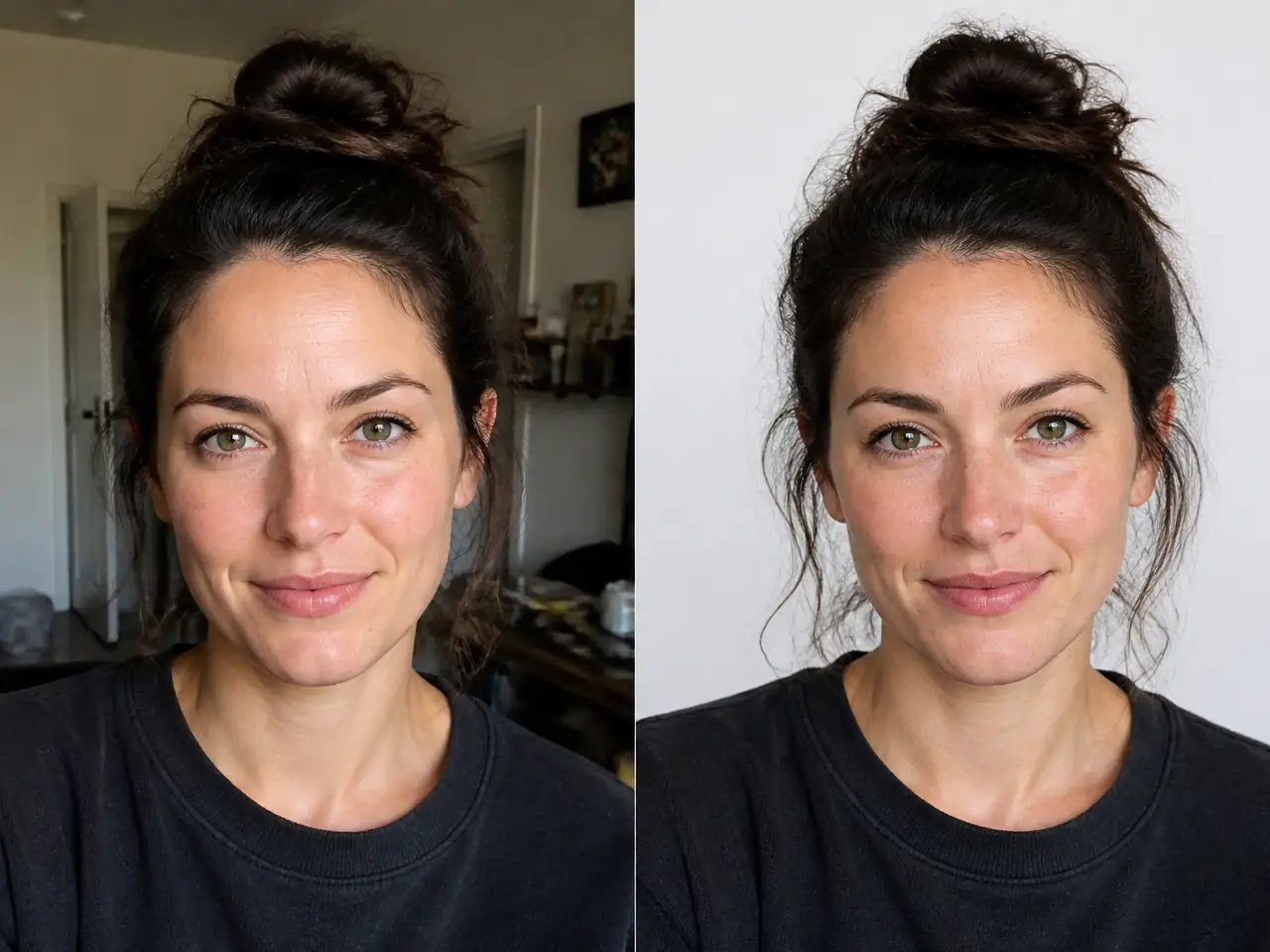
Prepare a portrait for a profile image or team layout.
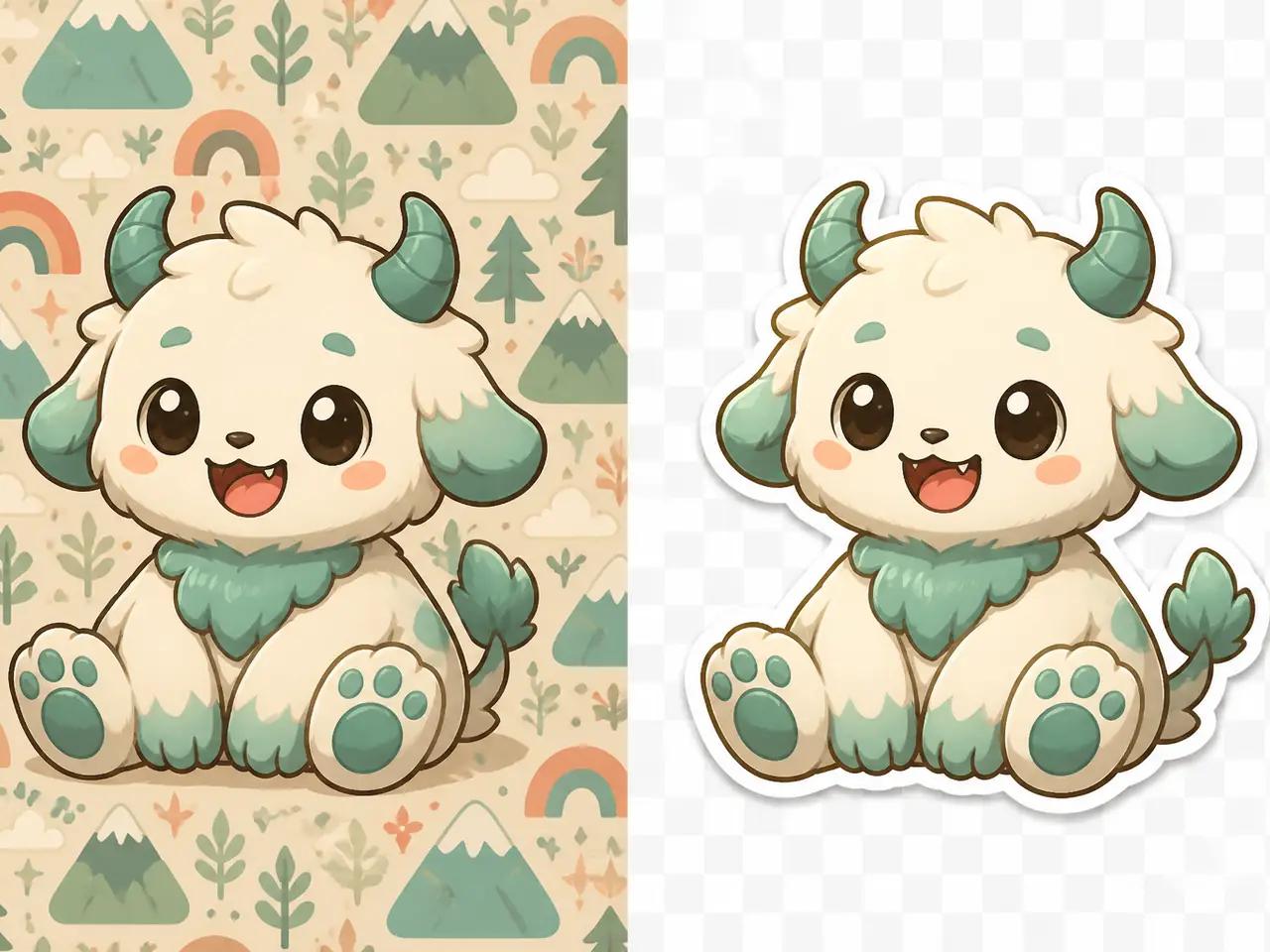
Extract illustrations or mascot artwork for stickers and overlays.
How it works
Upload, process, and download in the same workspace.
Choose an image with a visible subject, up to 20 MB.
Check the required credits in the workspace, then start removing the background.
Download the cutout and review its edges before using it in your design.
Reuse a cutout in creative, commercial, and everyday projects.
Prepare headshots, profile images, and creator portraits.
Isolate merchandise and packaged goods for listings or catalogs.
Reuse subjects in banners, thumbnails, presentations, and social posts.
Extract illustrations, icons, and mascot artwork for design assets.
A clear subject and distinct background usually help produce cleaner edges.
Keep the main subject fully visible rather than tightly cropped.
Avoid heavy blur and tiny, heavily compressed images when edge quality matters.
Choose clear differences in color or lighting between the subject and background.
Use a clear, high-resolution source within the upload size limit.
Compare monthly and yearly plans for AI image and video generation.
$166.8 USD billed yearly
$418.8 USD billed yearly
$838.8 USD billed yearly
All payments are securely processed by Stripe.
Upload requirements, results, credits, and image rights.
It separates the main subject from an image background and returns a downloadable cutout for reuse.
Upload one image up to 20 MB with a clear subject, such as a portrait, product, graphic, or sticker design.
Clear images with a distinct foreground usually work better. Blur, low resolution, and crowded scenes may leave less precise edges.
Review the subject edges and background in an editor that supports transparency before placing the cutout into another design.
Sign in to process an image. Check the required credits in the workspace before starting; the pricing section provides plans if you need more credits.
Use images you own or have permission to use. You remain responsible for the rights to the source image and your use of the result.
Choose an image or video tool to start creating.
Upload one image and prepare a cutout for your next product, profile, or design project.
Start removing backgrounds