
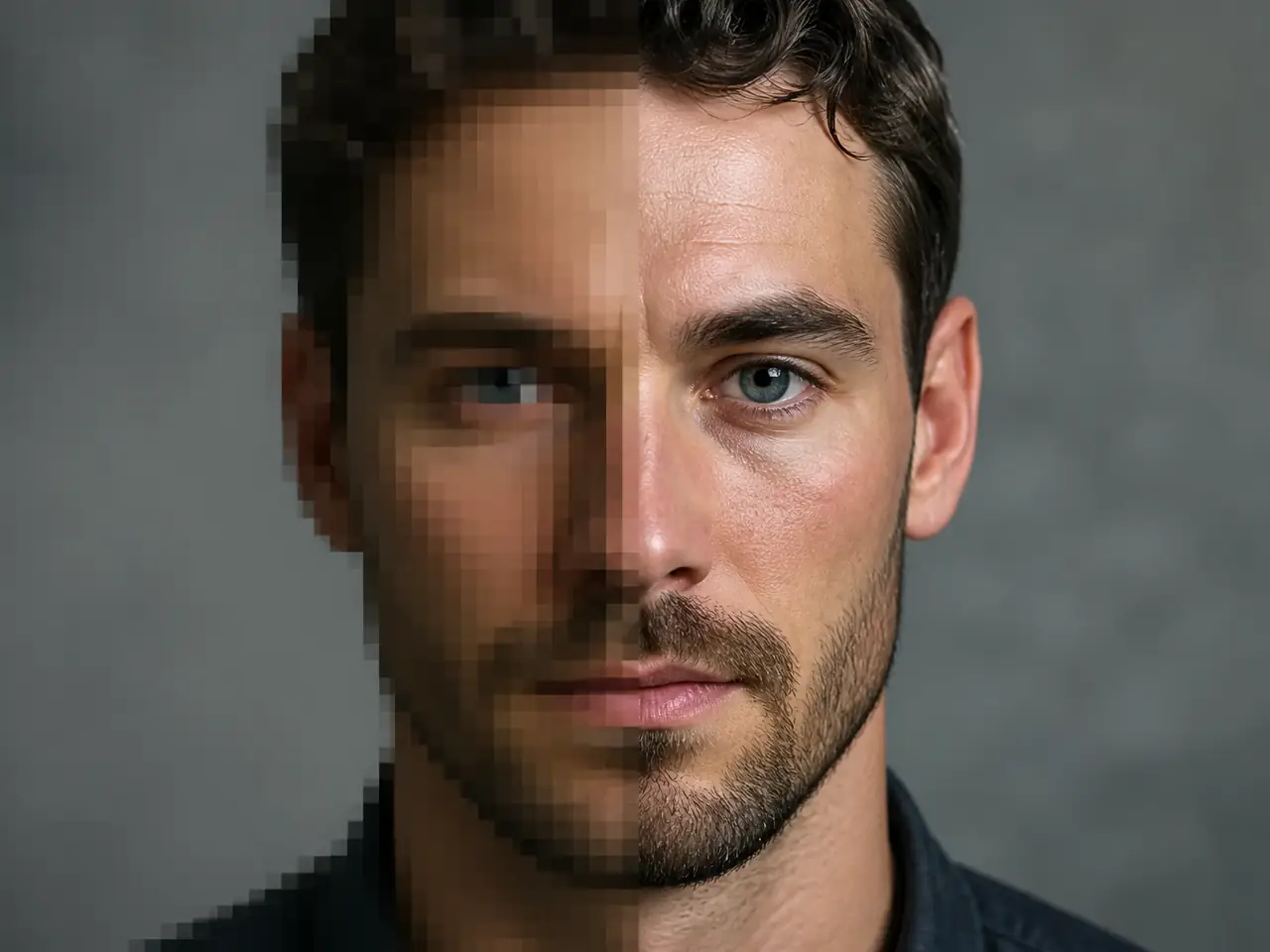
Portraits
Restore facial detail in compressed headshots.
 ImagineHub
No Images Generated
Upload a low-resolution image and upscale it into a sharper, cleaner, higher-resolution result for photos, product images, portraits, artwork, and social content.
Before and after examples
Use AI upscaling for everyday visuals that need cleaner detail, larger output, and less compression damage.
Restore facial detail in compressed headshots.
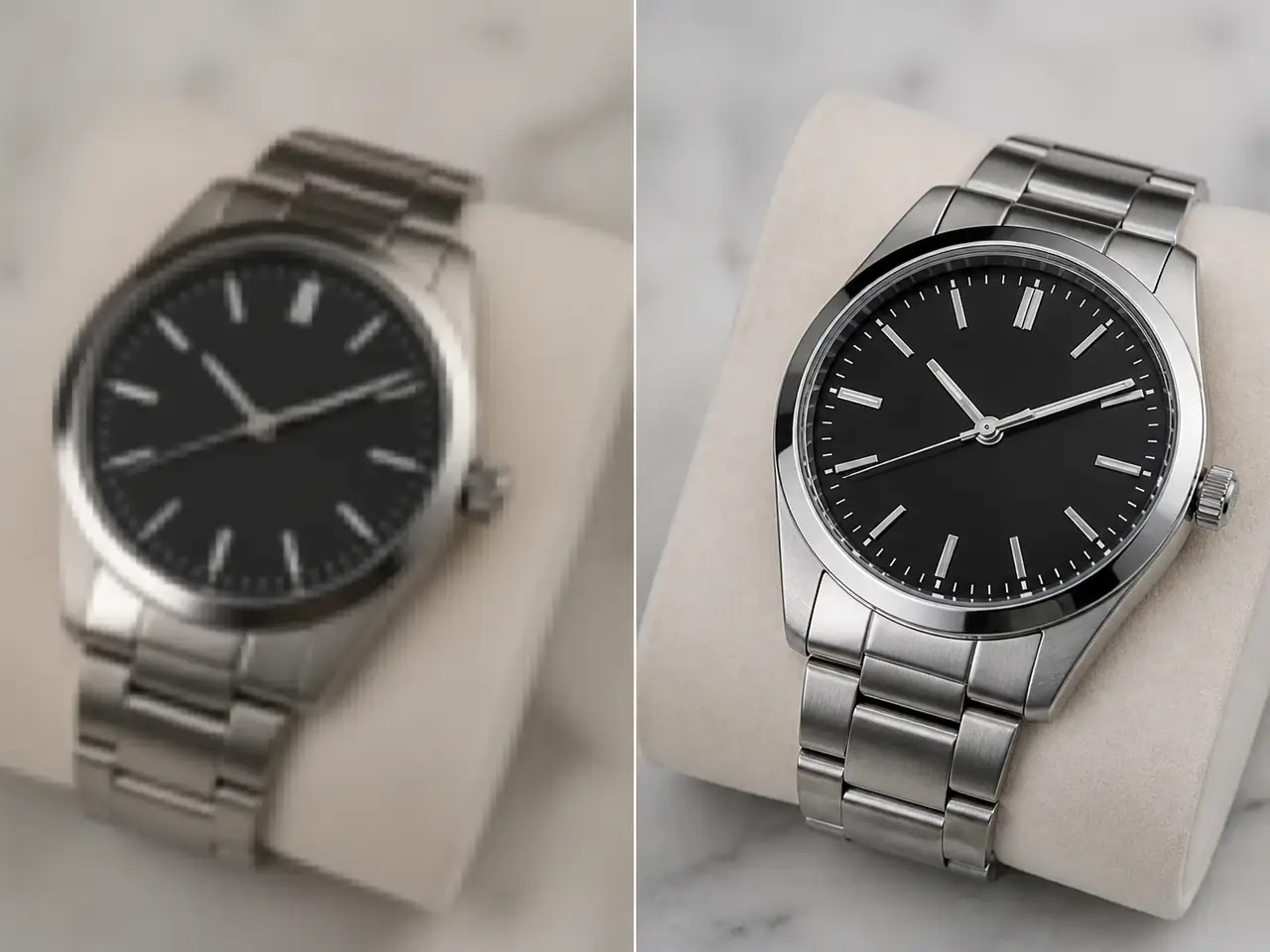
Sharpen catalog shots for listings and ads.
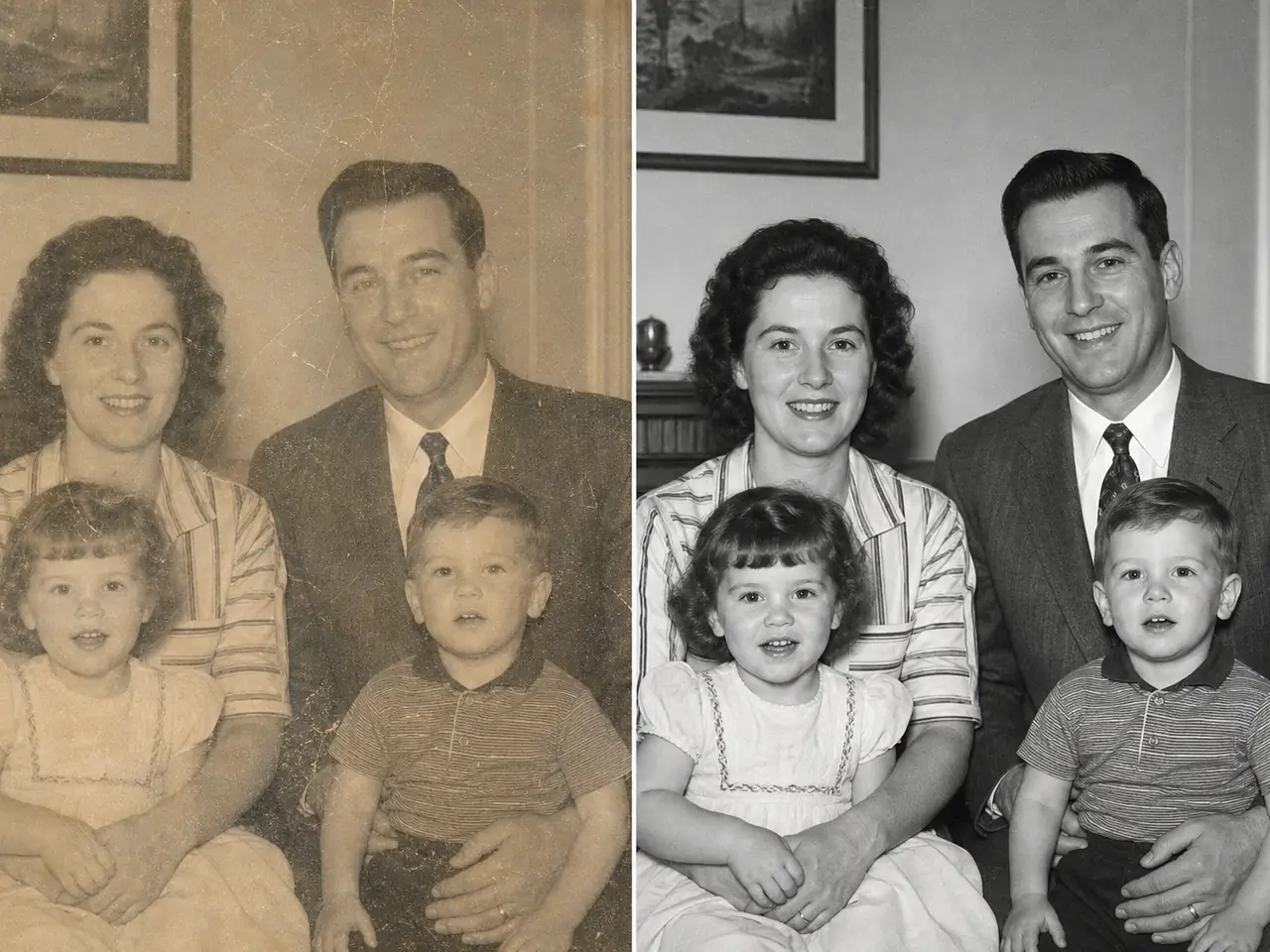
Clean faded family scans without plastic skin.
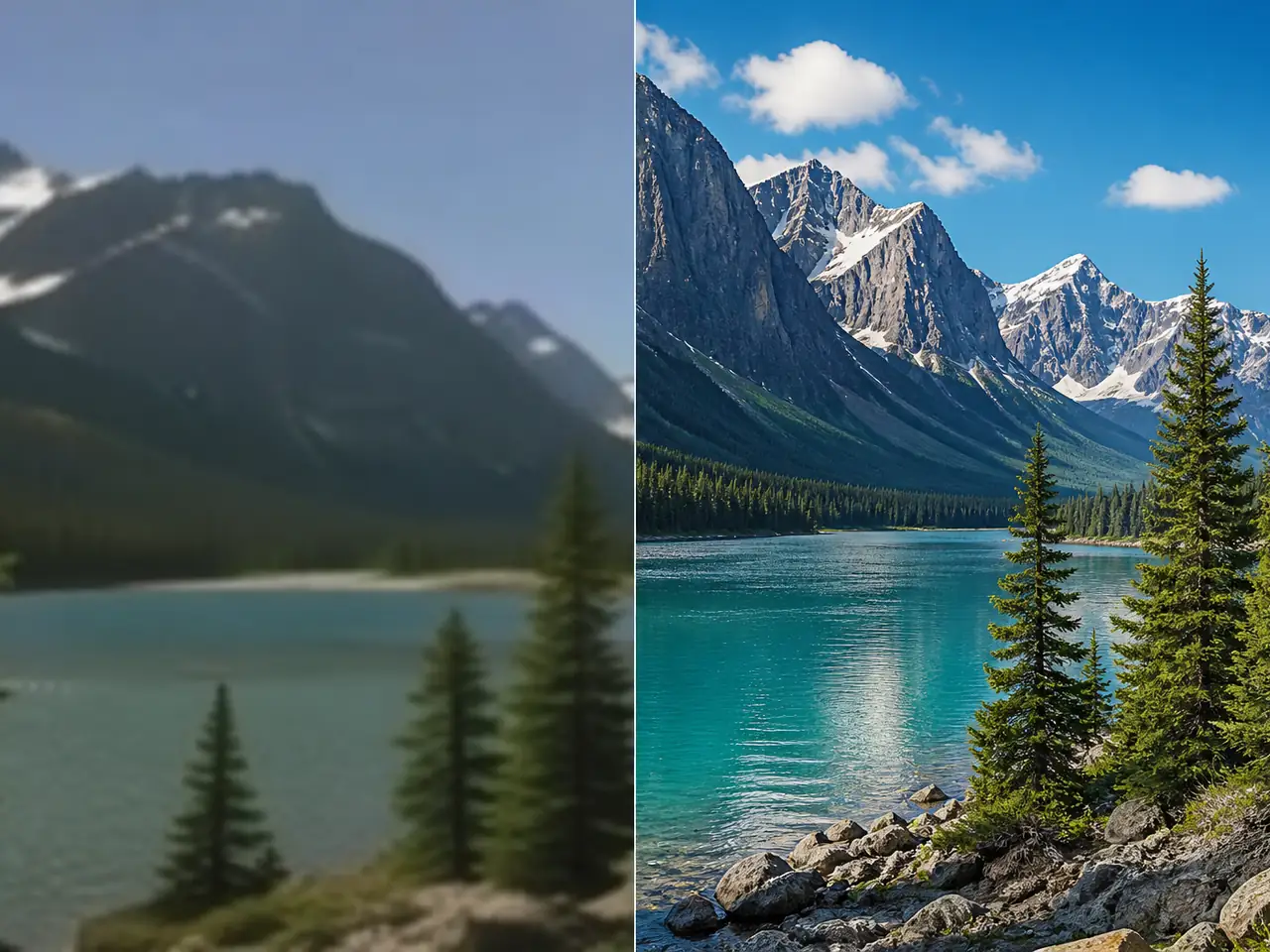
Keep distant edges when enlarging landscapes.
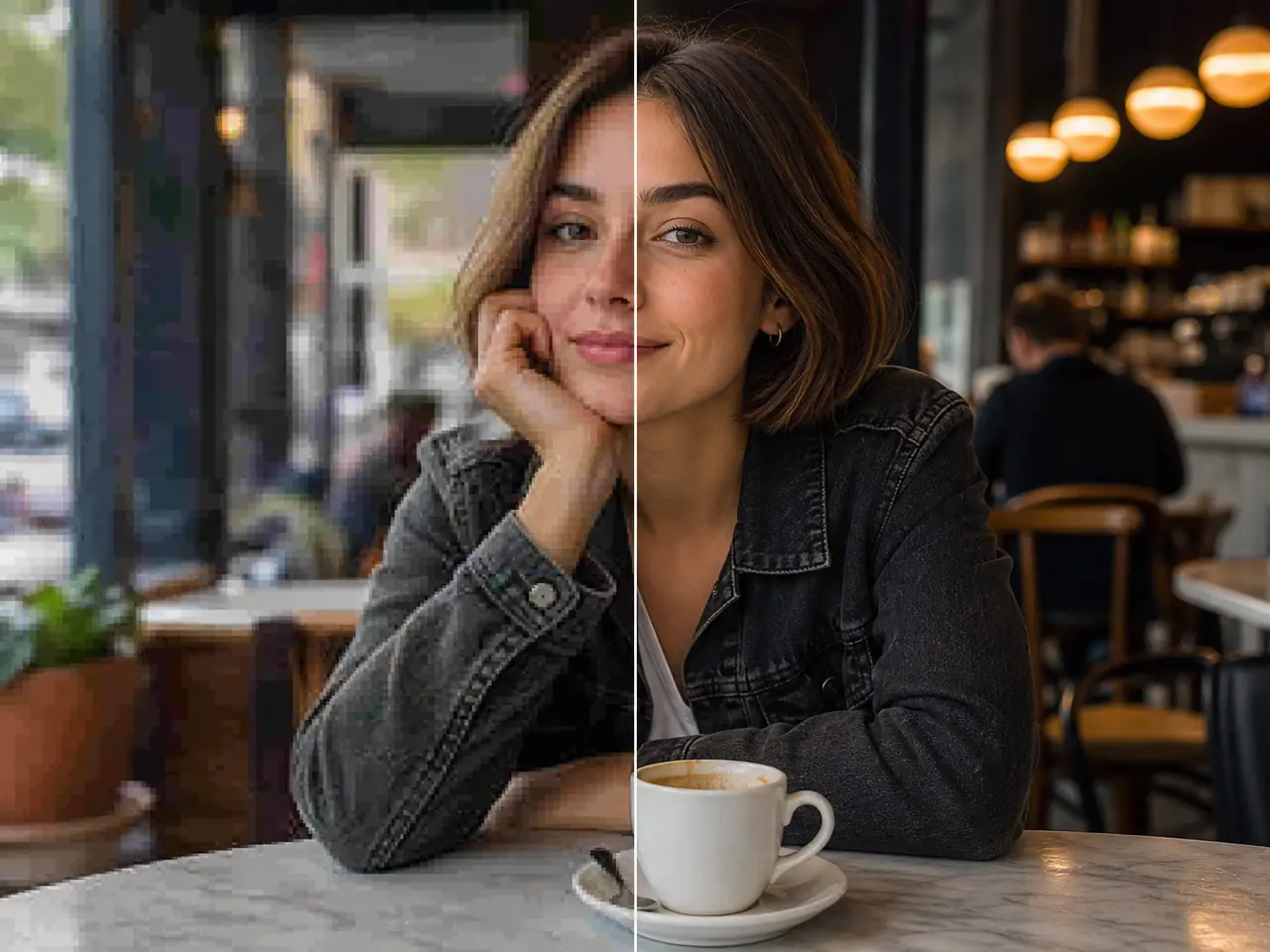
Fix JPEG damage from resized social crops.
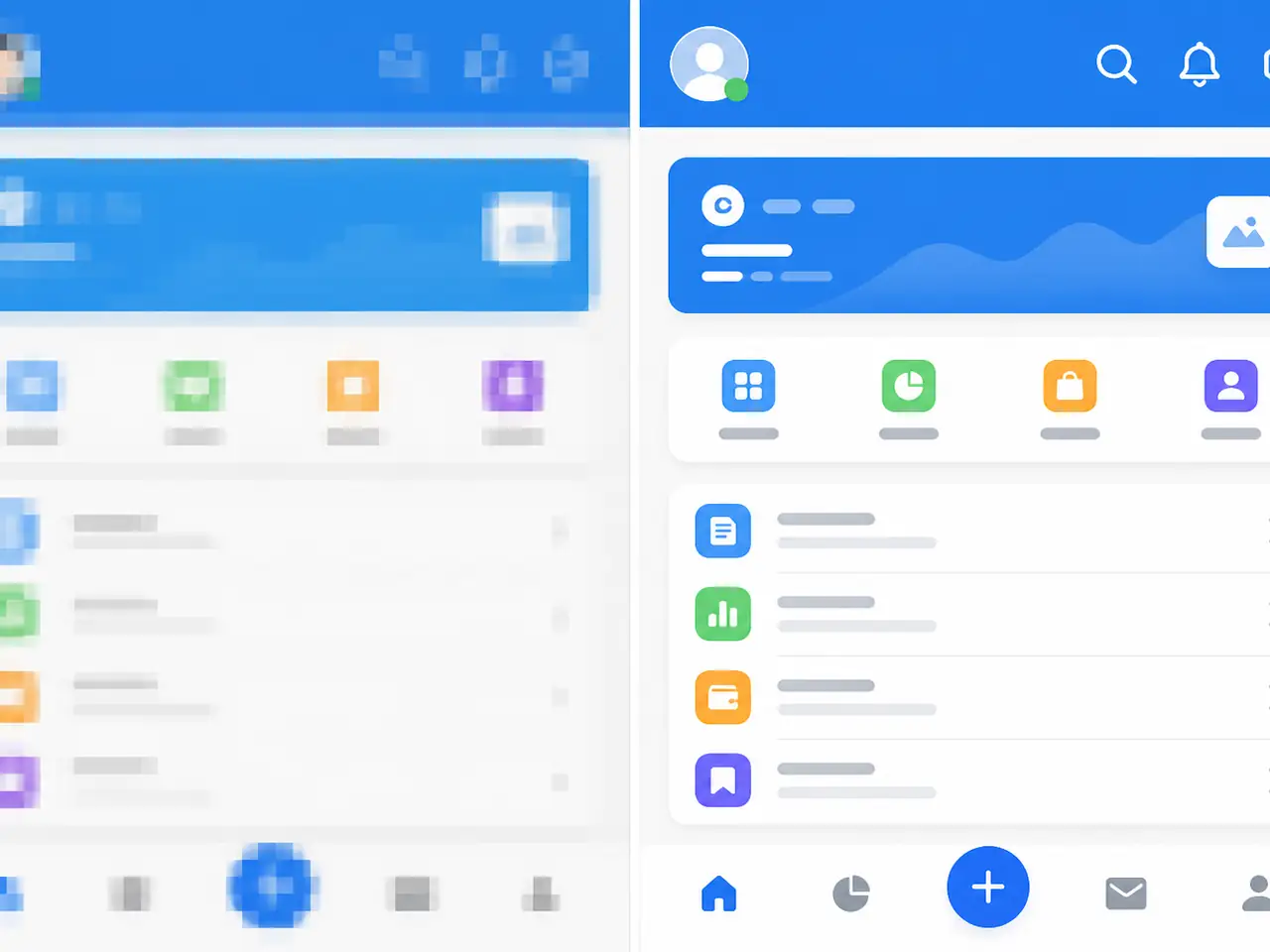
Keep UI and linework crisp at a larger size.
How it works
The workflow stays simple: upload one image, choose an upscale factor, then download a cleaner result.
Start with a low-resolution photo, product image, portrait, artwork, screenshot, or social media asset.
Pick a larger output size from 2x to 10x depending on how much resolution you need.
Preview the generated image and save the high-resolution version for your next project.
The page is designed for general image enhancement, not only anime or illustration workflows.
The page is designed for general image enhancement, not only anime or illustration workflows.
The page is designed for general image enhancement, not only anime or illustration workflows.
The page is designed for general image enhancement, not only anime or illustration workflows.
The page is designed for general image enhancement, not only anime or illustration workflows.
The page is designed for general image enhancement, not only anime or illustration workflows.
The page is designed for general image enhancement, not only anime or illustration workflows.
Core features
AI Image Upscaler focuses on practical output quality, predictable controls, and fast reuse across content types.
AI Image Upscaler focuses on practical output quality, predictable controls, and fast reuse across content types.
AI Image Upscaler focuses on practical output quality, predictable controls, and fast reuse across content types.
AI Image Upscaler focuses on practical output quality, predictable controls, and fast reuse across content types.
AI Image Upscaler focuses on practical output quality, predictable controls, and fast reuse across content types.
A stronger source usually produces a better upscale. Use these checks before generating.
Upload the highest-quality version you have, even if it is still small.
Avoid images with heavy motion blur or blocked faces when detail matters.
Crop away empty borders before upscaling if the subject needs more resolution.
Use a moderate scale first, then increase the factor when the result stays natural.
Choose the plan that works best for you. Cancel anytime.
$180 USD billed yearly
$420 USD billed yearly
$720 USD billed yearly
All payments are securely processed by Stripe.
Common questions about upscaling low-resolution images with AI.
It generates a sharper, cleaner, higher-resolution version of the uploaded image while preserving the main subject and composition.
No. This page is a general image upscaler for photos, product images, portraits, artwork, screenshots, and social content.
Use 2x or 3x for natural-looking improvements, and use higher factors when you need a much larger output for editing or publishing.
No. It can infer cleaner detail and reduce blur, but very damaged, tiny, or heavily compressed images may still have limits.
Jump into ImagineHub’s core workflows for images, video, and studio projects.
Create images from text prompts
Apply cinematic looks to any photo
Generate clips from prompts or references
Restyle uploaded clips with filmic looks
Turn a scene description into a clip
Plan story, scenes, characters, and assets
Upload a small image, choose an upscale factor, and create a sharper high-resolution result in minutes.
Start upscaling