ImagineHub
From text prompt to moving scenes

AI Text to Video Generator

280 credits
Sign In to Generate Video

Get Inspired

Recreate an example to load its prompt, settings, and reference media in the matching generation mode.

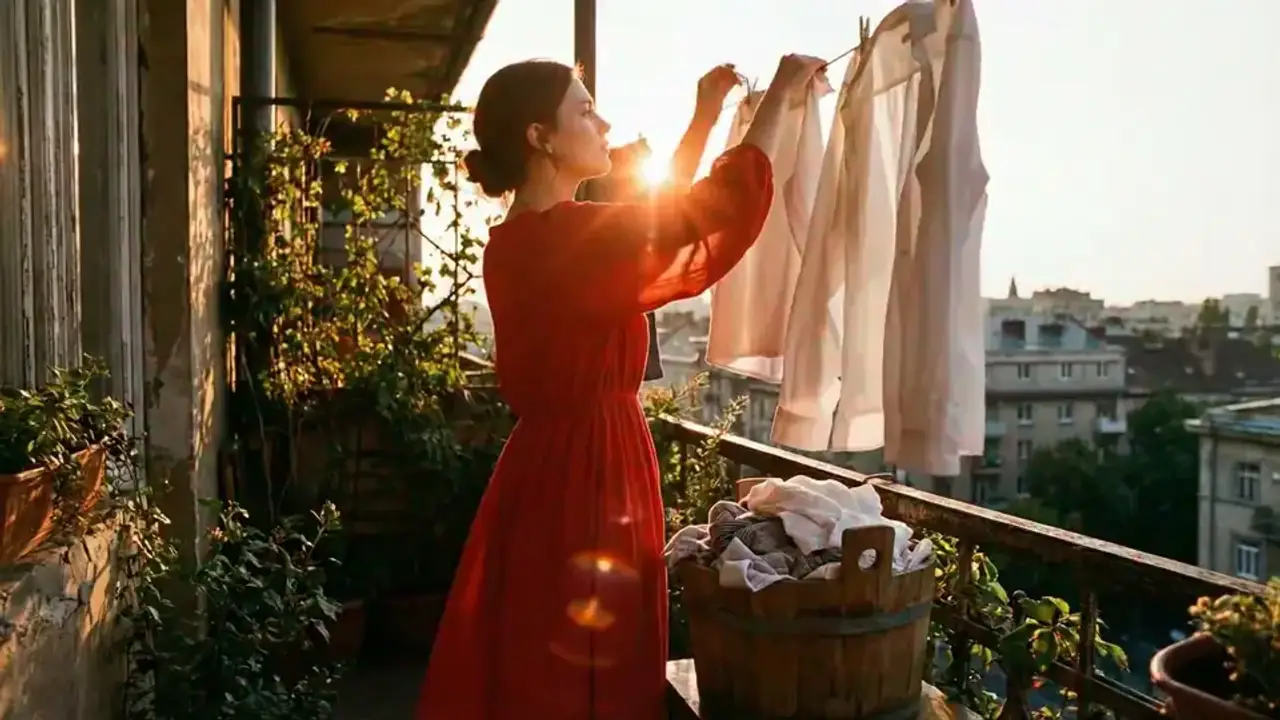
Video example seedance-2-laundry-balcony
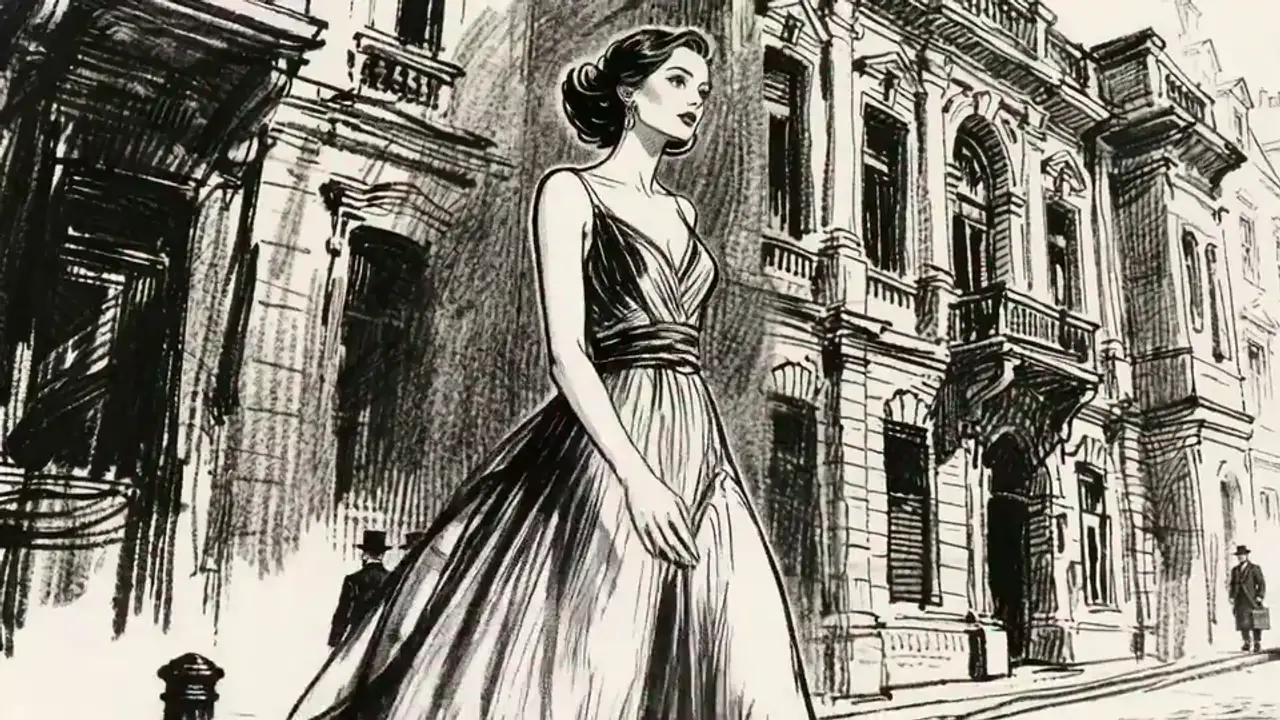
Video example seedance-2-london-heroine
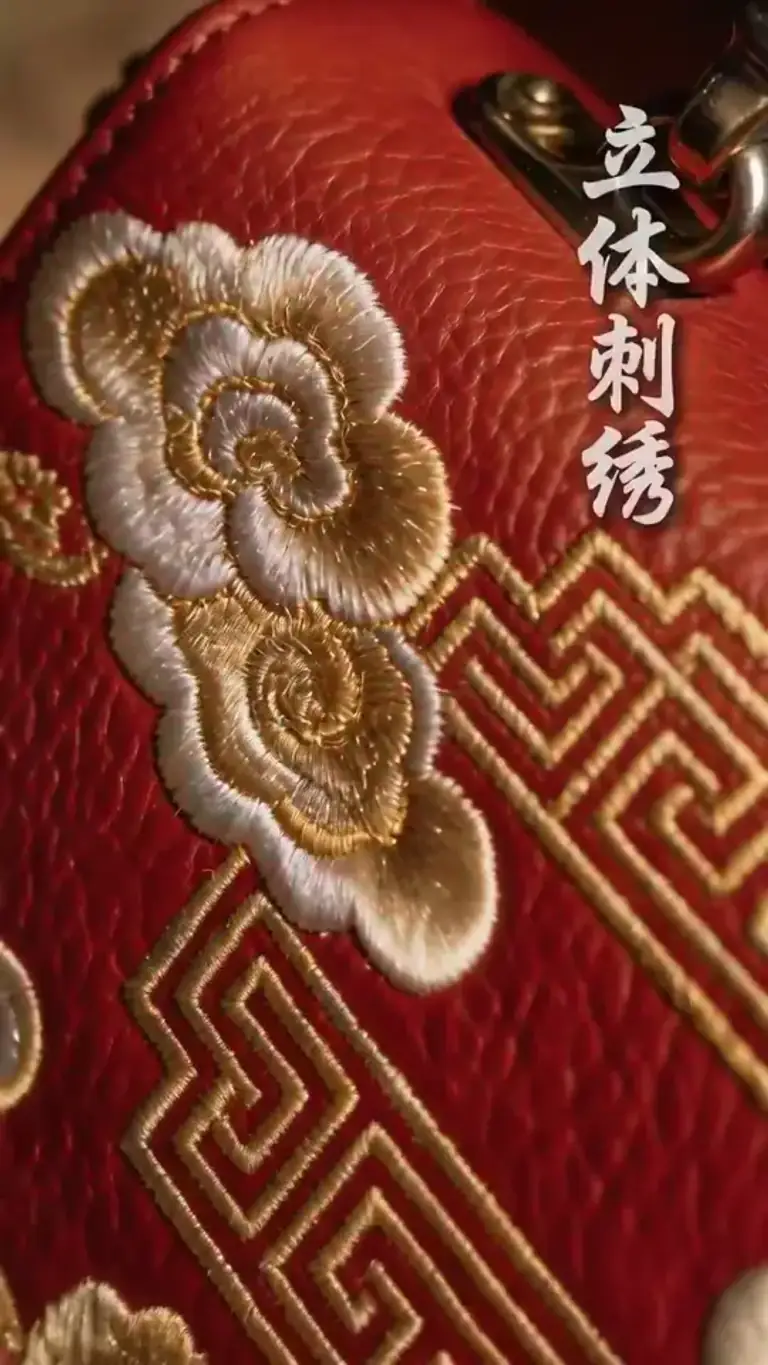
Video example seedance-2-bag-display
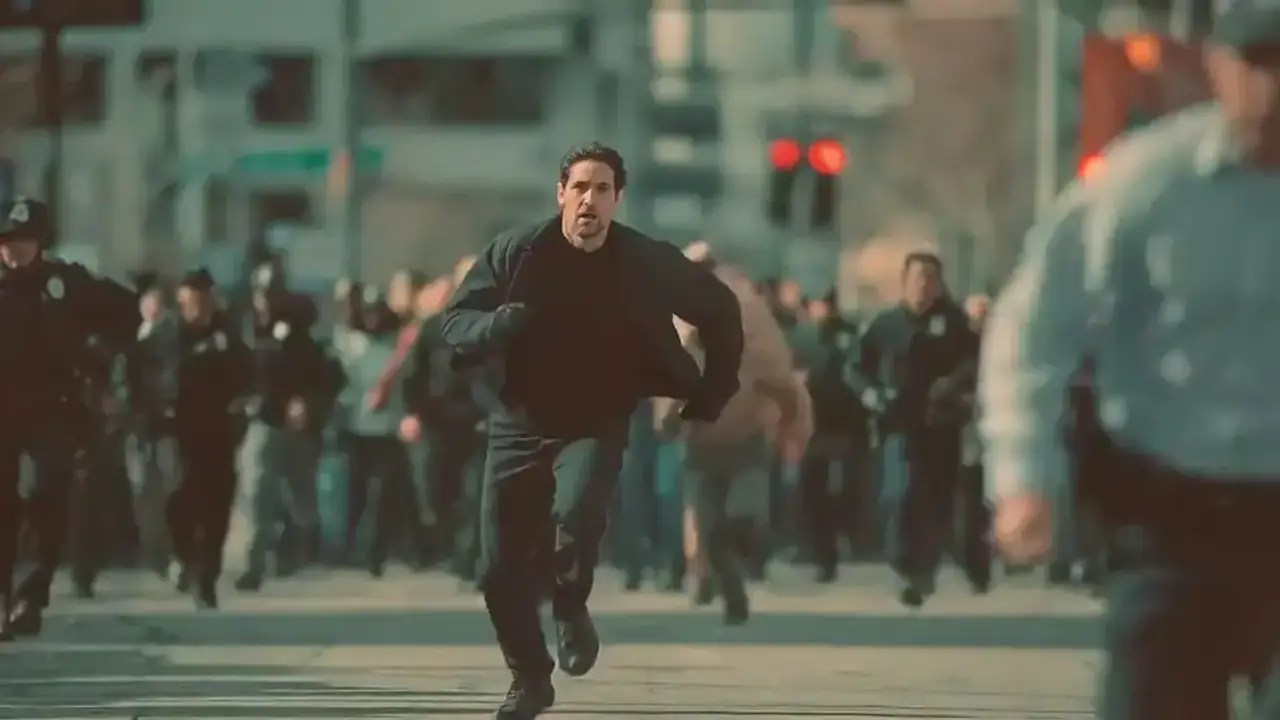
Video example seedance-2-street-chase

Make your AI video in three steps

Video

Write a scene prompt, choose output settings, then generate and review your clip.

1

Write the video prompt

Describe the action, camera move, pacing, and atmosphere you want the model to animate.

2

Choose the model and output settings

Select a model, aspect ratio, duration, and resolution from the available options.

3

Generate and refine

Review the generated clip, adjust your prompt, and generate again.

Core features of AI Text to Video Generator

Create video from text, choose output settings, and refine your scene.

Prompt-first video creation

Turn plain text into motion clips, product shots, teaser scenes, and short-form social video concepts.

Describe motion in your prompt

Specify subject action, camera movement, pacing, and atmosphere in your prompt.

Choose a video model

Select from the video models available for text-to-video generation.

Flexible aspect ratios

Choose a vertical, square, or landscape aspect ratio for your video clip.

Duration and resolution control

Choose clip length and resolution from the options available for your selected model.

Inspired recreate workflow

Reuse prompts and settings; examples with reference media also load that media and switch modes.

AI Image & Video Plans

Compare monthly and yearly plans for AI image and video generation.

LiteSAVE 30%
Perfect for individual creators
$13.9/ month

$166.8 USD billed yearly

  • 48,000 credits per year, granted all at once
  • Image generation with GPT Image 2 / Nano Banana 2
  • Seedance 2.0 Fast video generation
  • Video output up to 720p / 1080p depending on model
  • Audio-video sync for avatar workflows
  • 2 concurrent generation jobs
  • Normal generation speed
  • Private videos
  • All annual credits are granted at once after successful payment and expire at the end of the annual subscription period.
Popular
ProSAVE 30%
For professional content creators
$34.9/ month

$418.8 USD billed yearly

  • 138,000 credits per year, granted all at once
  • Image generation with GPT Image 2 / Nano Banana 2
  • Seedance 2.0 Fast video generation
  • Video output up to 720p / 1080p depending on model
  • Audio-video sync for avatar workflows
  • 3 concurrent generation jobs
  • Fast-track generation lane
  • Private videos
  • No watermark
  • Commercial usage rights
  • Priority access to newly added models
  • All annual credits are granted at once after successful payment and expire at the end of the annual subscription period.
UltraSAVE 30%
Ultimate power for businesses
$69.9/ month

$838.8 USD billed yearly

  • 300,000 credits per year, granted all at once
  • Image generation with GPT Image 2 / Nano Banana 2
  • Seedance 2.0 Fast video generation
  • Video output up to 720p / 1080p depending on model
  • Audio-video sync for avatar workflows
  • 4 concurrent generation jobs
  • Fastest generation lane
  • Private videos
  • No watermark
  • Commercial usage rights
  • Priority access to new model releases
  • Early invites to selected new features
  • Priority support
  • Lowest cost per 100 credits
  • All annual credits are granted at once after successful payment and expire at the end of the annual subscription period.
Stripe

All payments are securely processed by Stripe.

Frequently Asked Questions

Common questions about writing prompts, choosing settings, and improving text-to-video results.

What can I make with AI Text to Video Generator?

Create short video scenes from text, including product shots, teasers, social clips, and concept scenes.

Do I need reference images or videos to use this page?

No reference media is needed in text-to-video mode. Other modes may require images or videos.

How do I get better text-to-video results?

Describe the subject, action, camera movement, and environment. Focus on one scene and refine your prompt after reviewing the clip.

Can I reuse inspired examples here?

Yes. Recreate loads the example’s prompt, settings, and reference media, switching to its image or reference mode. For text-only creation, select text-to-video and write your own prompt.

Start creating with ImagineHub

Generate images and videos with ImagineHub. Turn text and references into visuals with AI tools.