
1
Upload the reference image
Start with a still image that defines the subject, framing, and base visual style for the clip.
 ImagineHub
Start from a reference image, add motion direction with prompts, then generate image-to-video clips with reusable settings and quick refinements.
Hover to autoplay the gallery, recreate the setup instantly, or open any clip in a larger player.
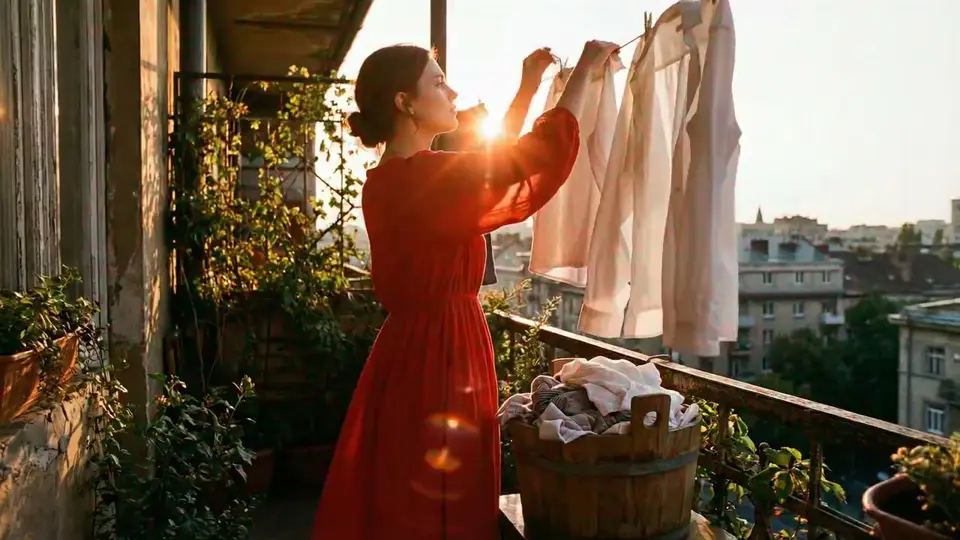
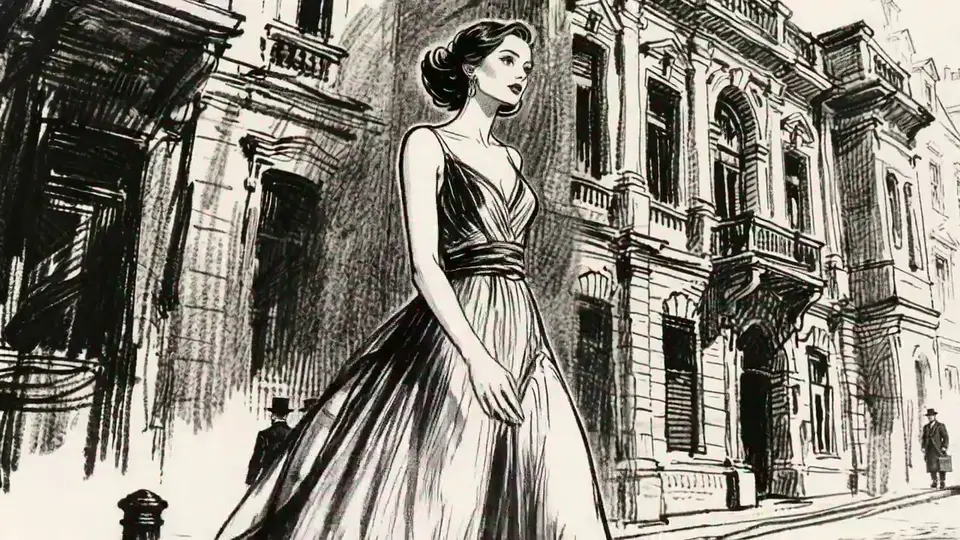
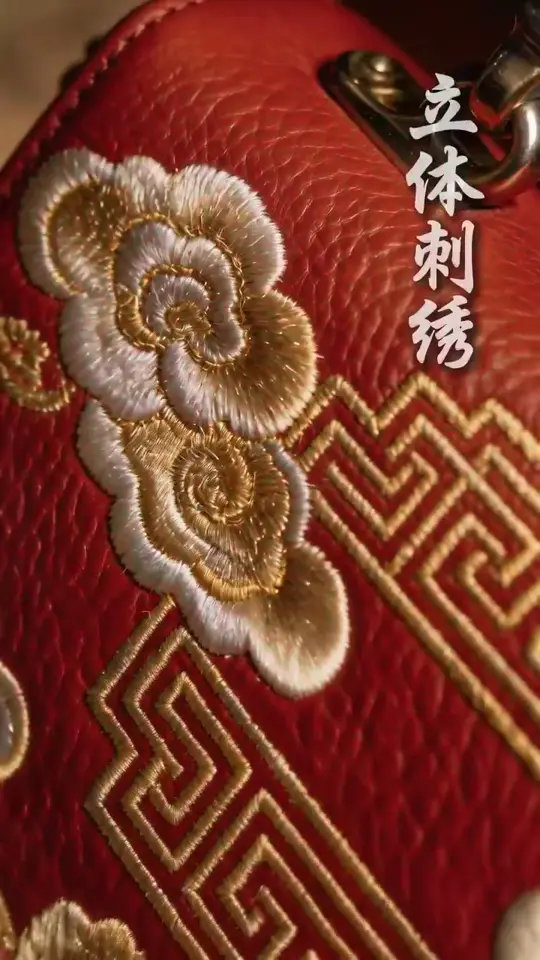
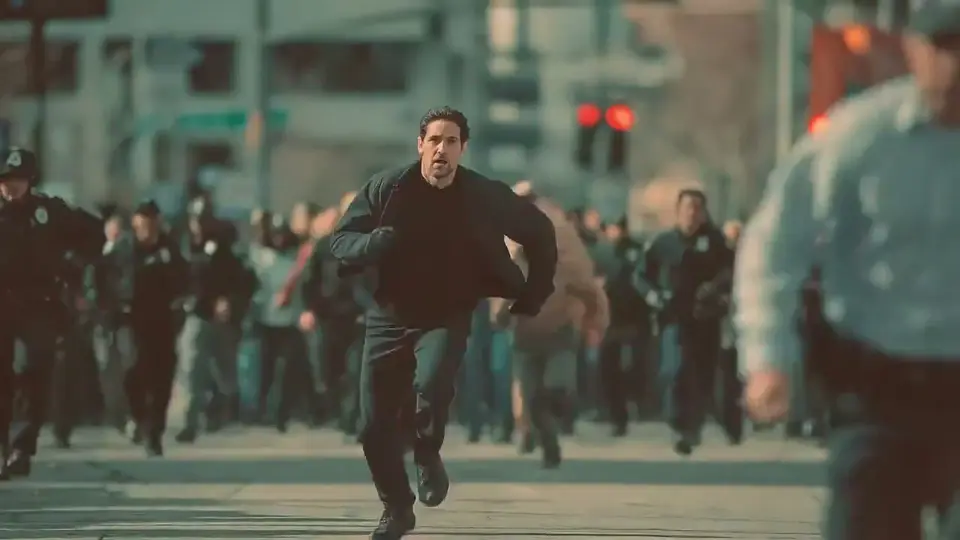
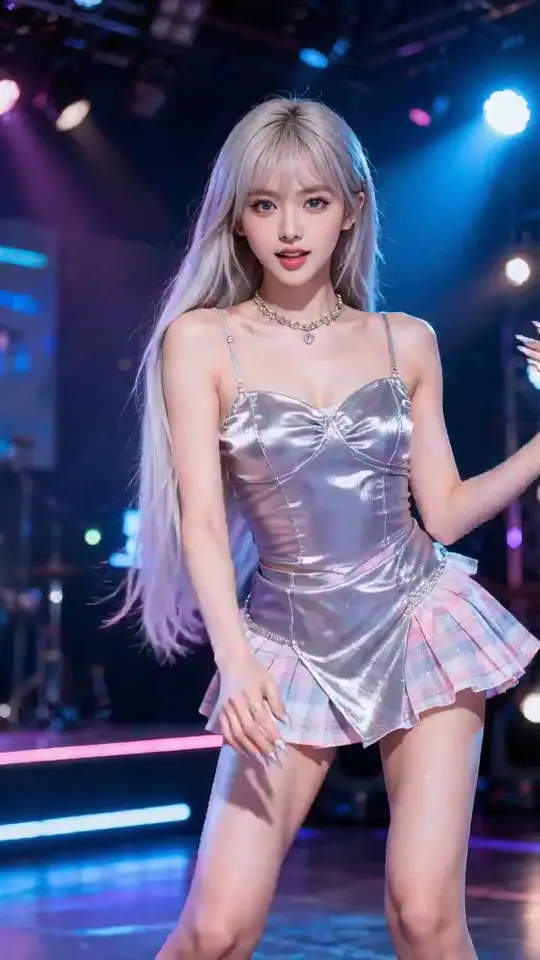
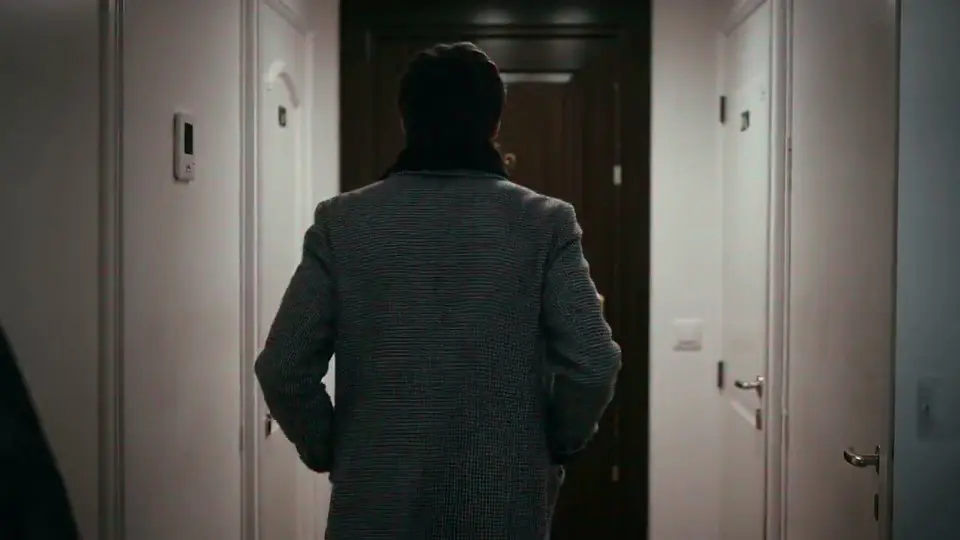
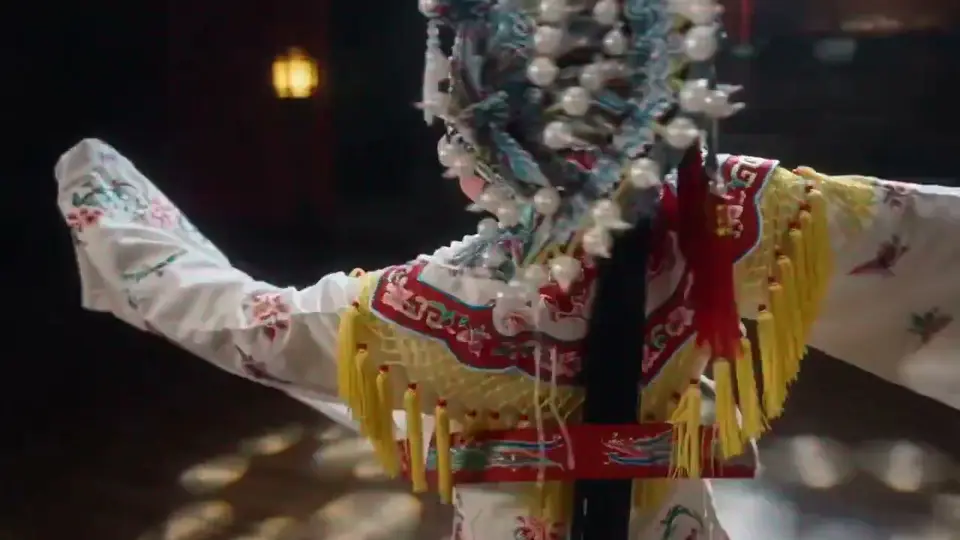
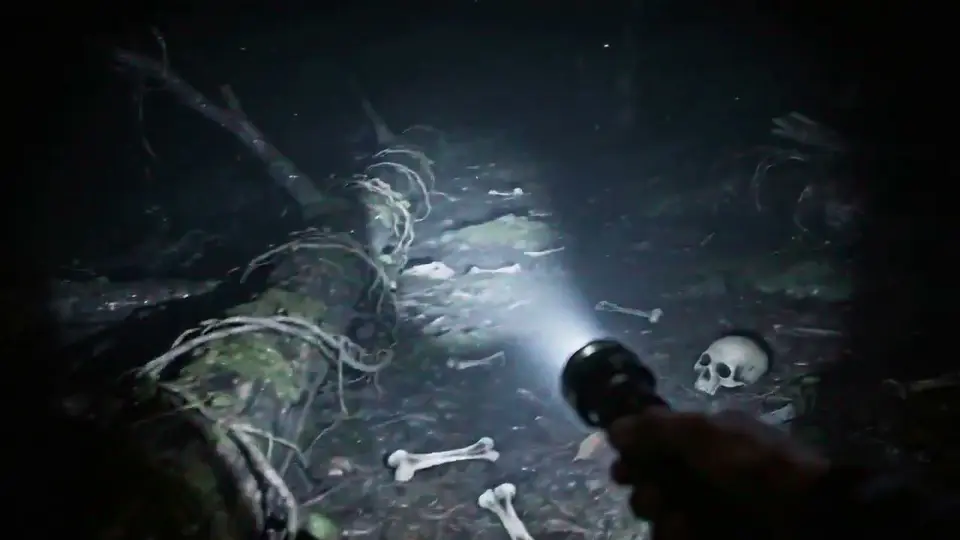
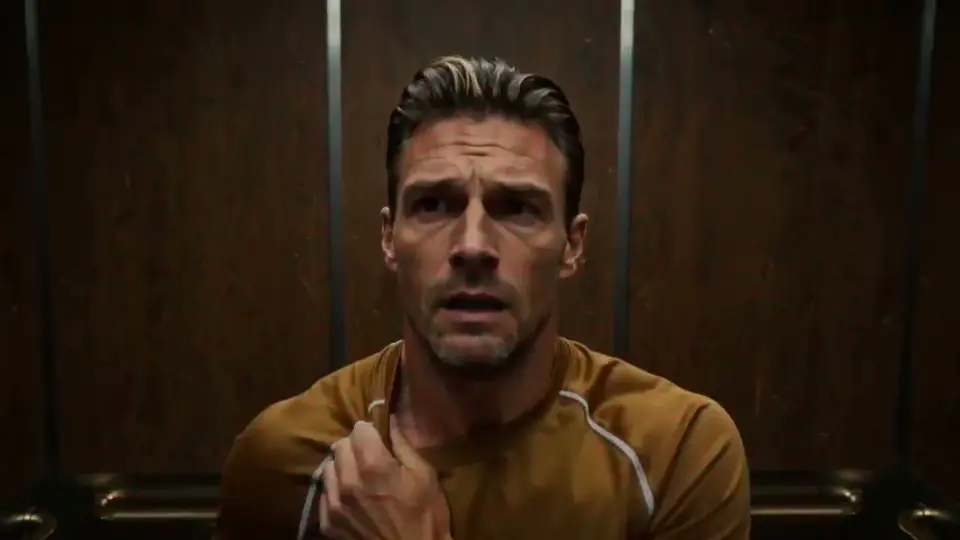
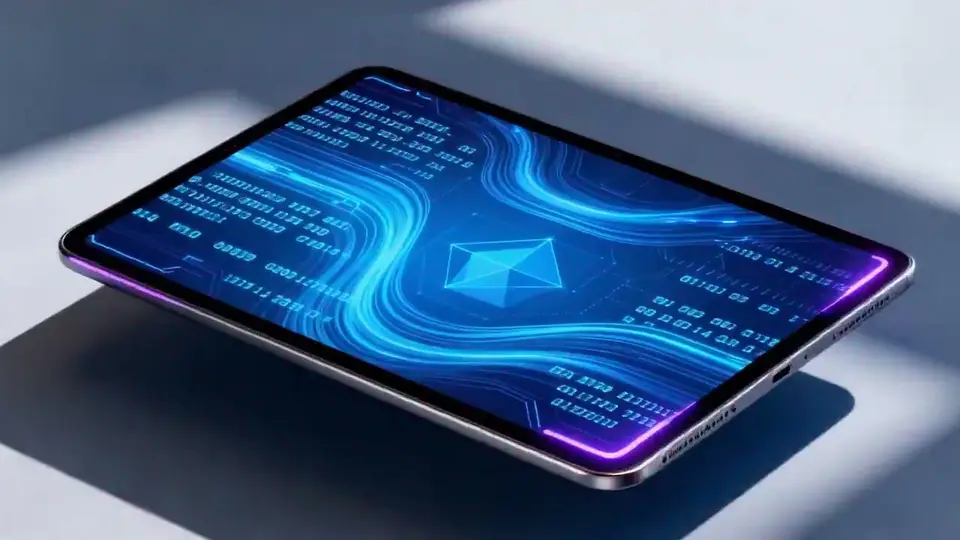
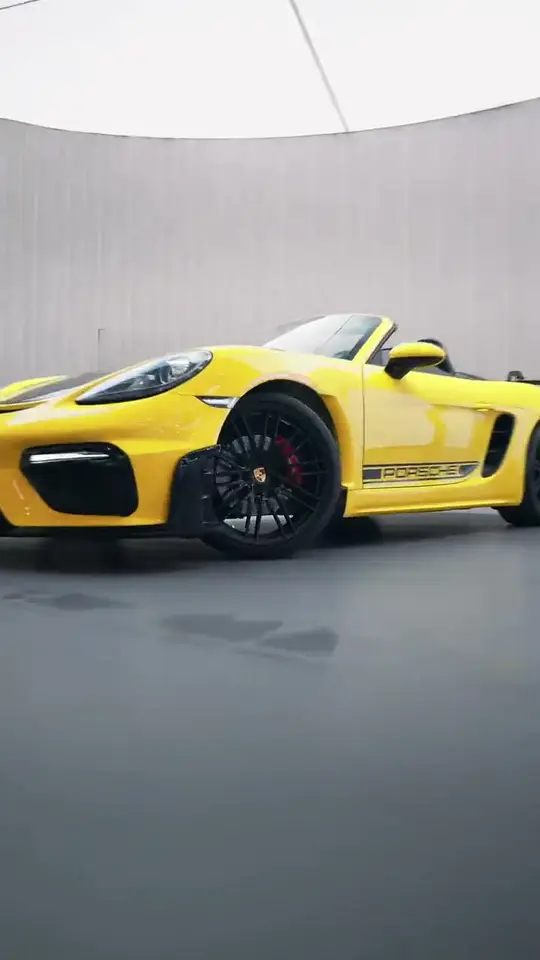
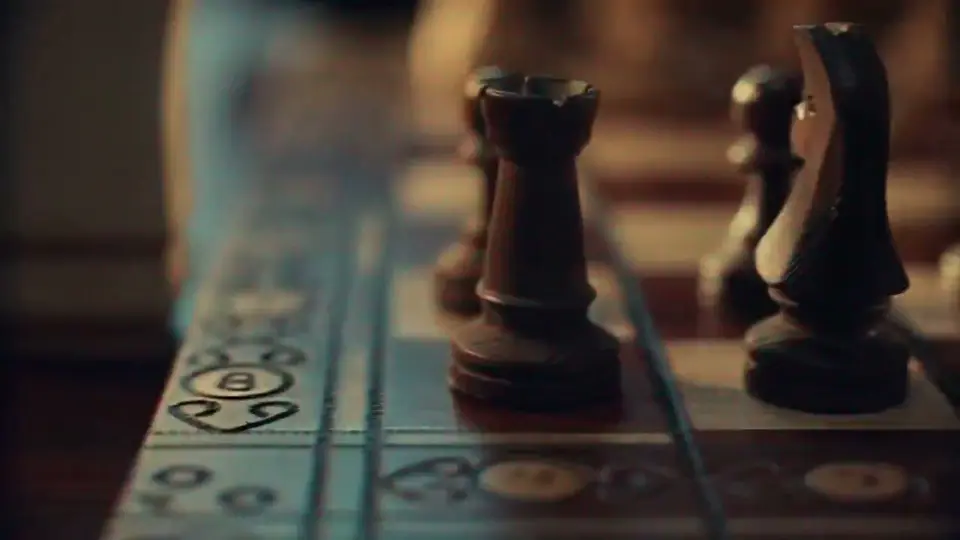
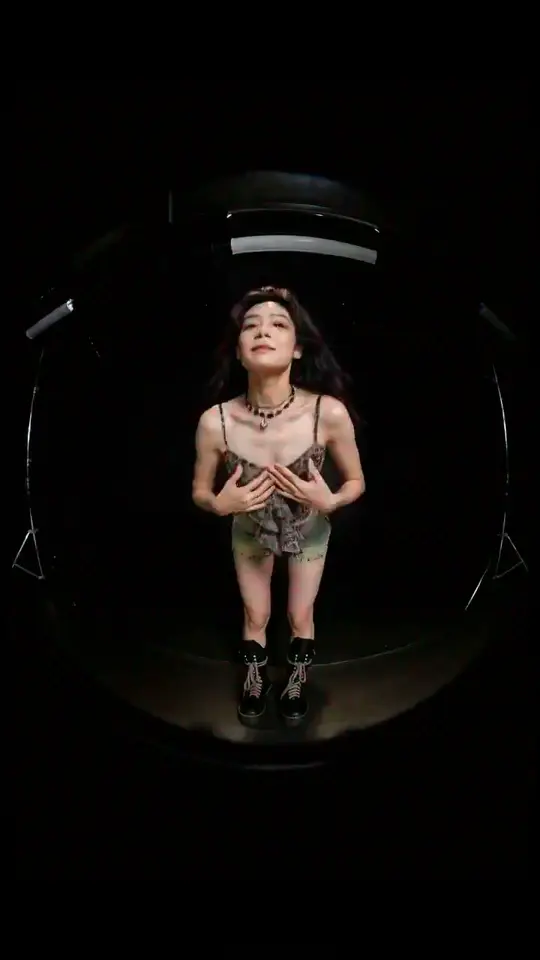
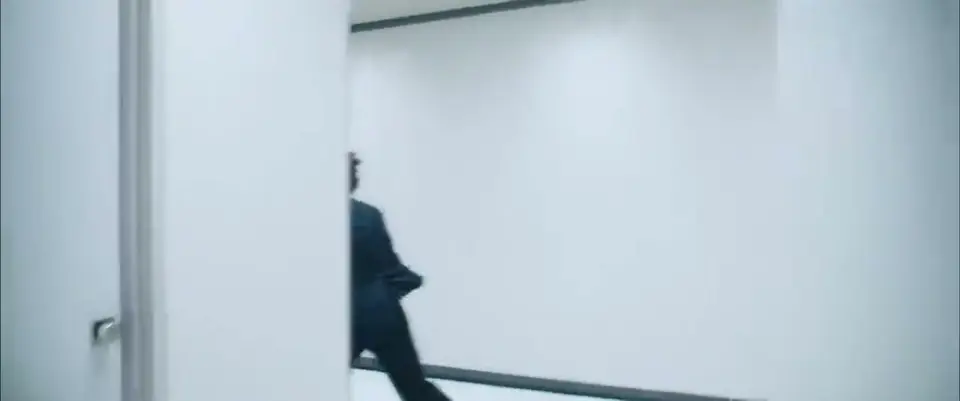
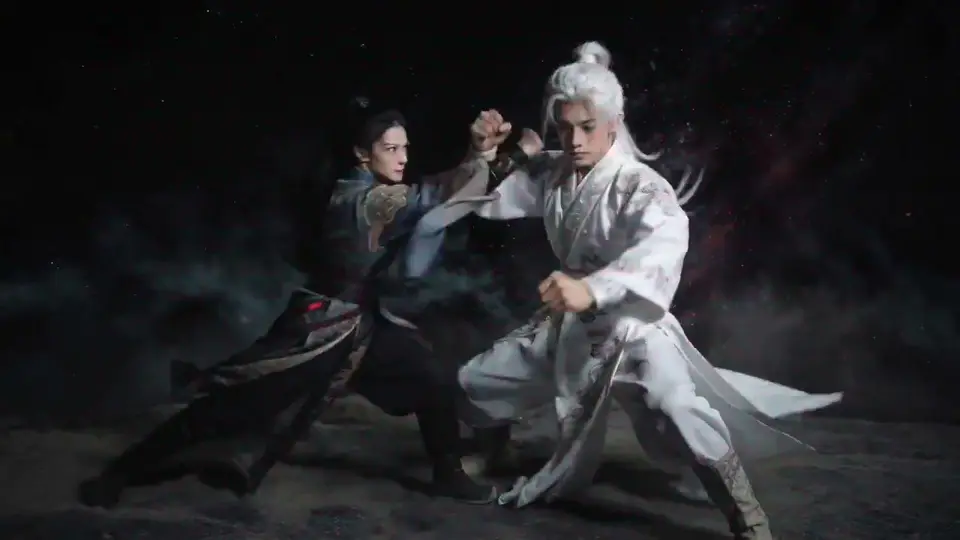
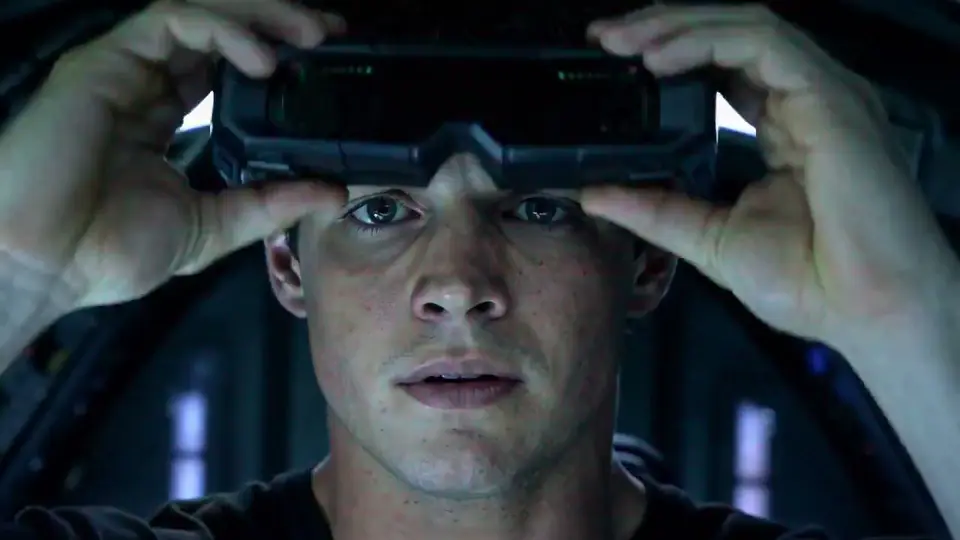
Upload the image, define the motion direction, and generate a usable AI video clip fast.
Start with a still image that defines the subject, framing, and base visual style for the clip.
Write the action, camera movement, pacing, and mood you want the model to animate from that image.
Choose the model and output settings, run the task, then iterate with stronger prompts or different references.
Built for image-led video creation with stronger reference control, cleaner motion setup, and faster remix workflows.
Turn portraits, scenes, product shots, or concept art into short motion clips without rebuilding the visual from scratch.
Add camera movement, character action, and scene pacing on top of the uploaded image using plain-language prompts.
Use the source image to hold composition, character identity, and overall visual direction more steadily across the clip.
Compare different video models quickly when you need a better match for cinematic motion or prompt responsiveness.
Generate vertical, square, or landscape image-to-video outputs with duration and resolution settings for different channels.
Reuse strong example clips as a starting point, then swap in your own image and prompt for faster experiments.
Choose the plan that works best for you. Cancel anytime.
$180 USD billed yearly
$420 USD billed yearly
$720 USD billed yearly
All payments are securely processed by Stripe.
Common questions about using reference images, writing motion prompts, and improving image-to-video output.
Clear images with a visible subject, readable composition, and strong lighting usually give the model better structure to animate from.
Yes. The image defines the visual starting point, while the prompt tells the model how the subject should move, how the camera should behave, and what mood to create.
Use a stable source image, keep the motion description focused, and avoid combining too many complex actions in one short clip.
Yes. You can load an inspired setup, then replace the reference image or prompt to create your own image-to-video variations faster.
Jump into ImagineHub’s core workflows for images, video, and studio projects.
Create images from text prompts
Apply cinematic looks to any photo
Generate clips from prompts or references
Restyle uploaded clips with filmic looks
Turn a scene description into a clip
Plan story, scenes, characters, and assets
Turn one idea into images, videos, or studio-ready content with the mode that fits your project.