
1
Write the creative brief
Describe the concept, audience, characters, mood, format, and deliverables so the workspace starts with clear direction.
 ImagineHub
Start with an idea for an image or video project. Use AI Studio to plan characters, scenes, storyboards, and assets, then review and refine them in the project workspace.
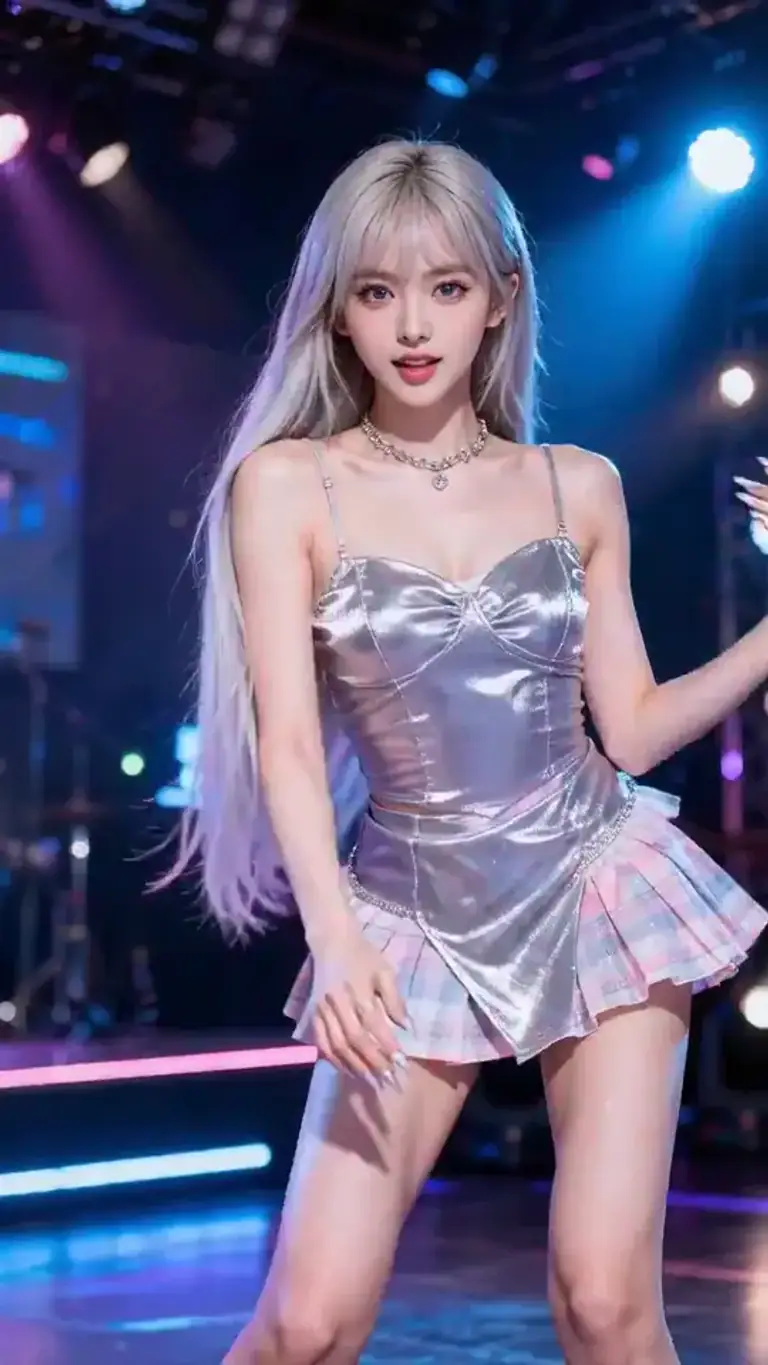
Explore curated AI image and video examples across portraits, products, campaigns, scenes, and motion, then use them as visual direction for your own project.
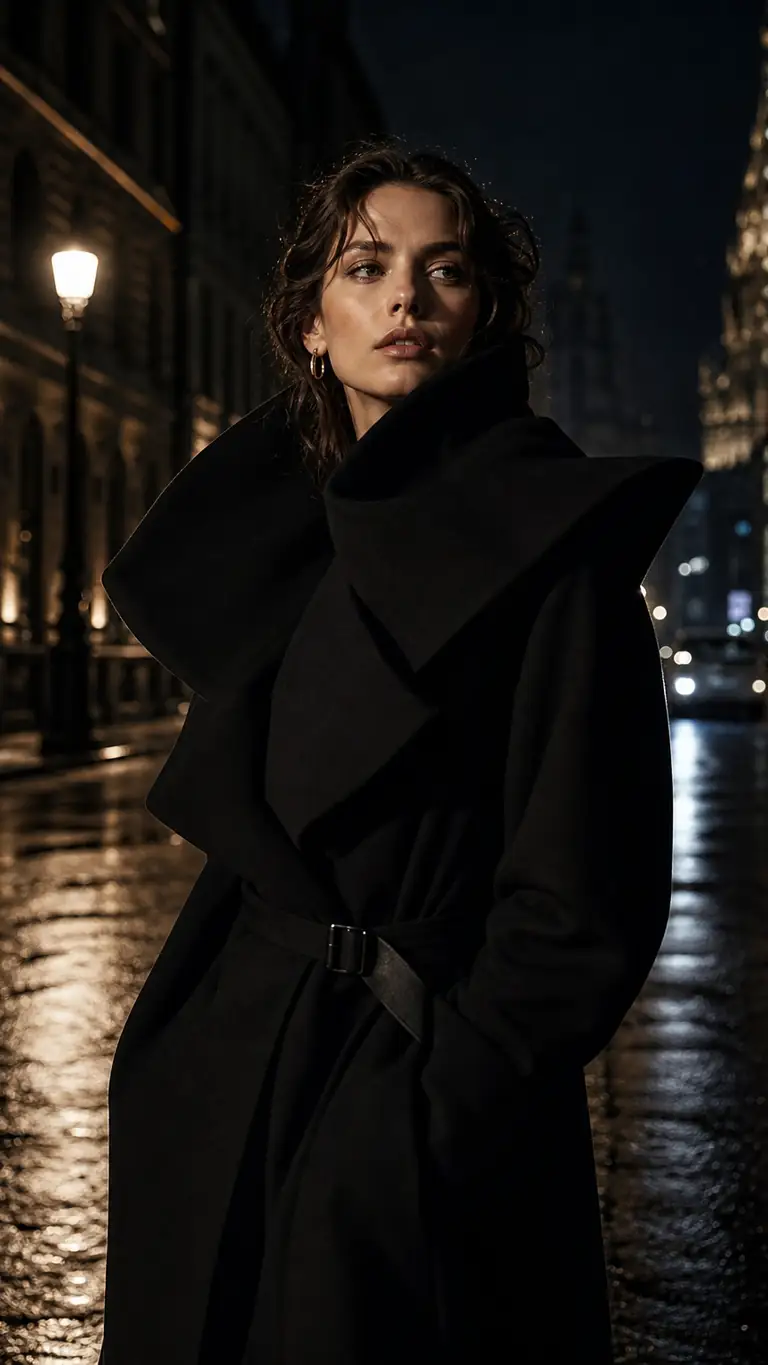 AI Image
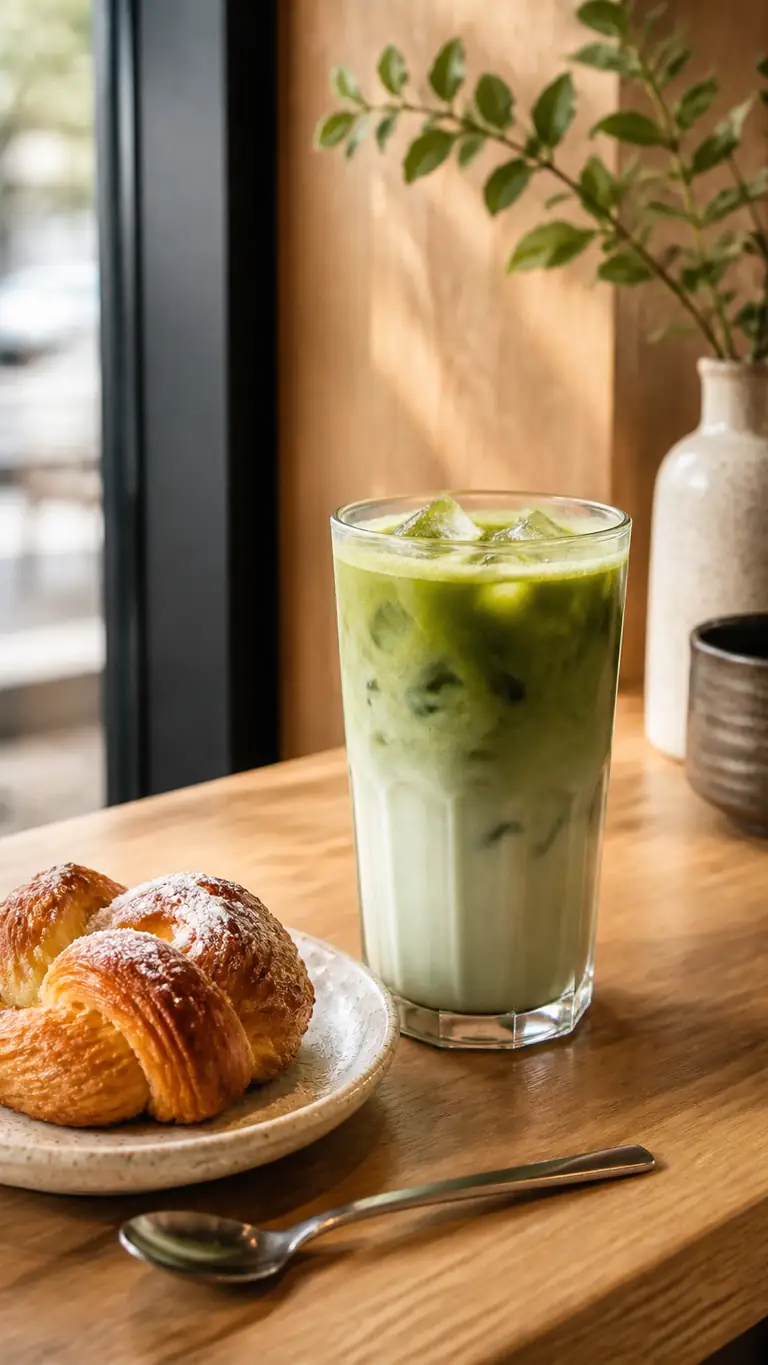 AI Image
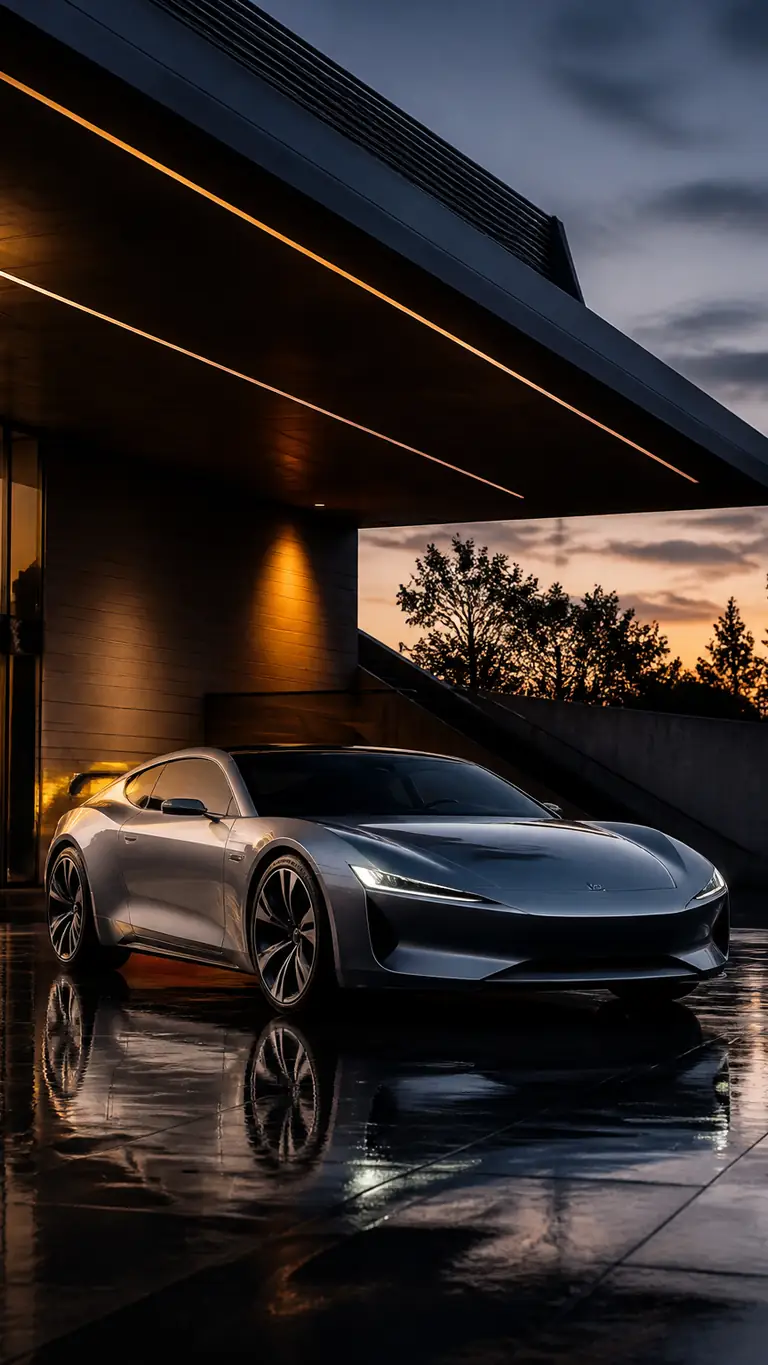 AI Image
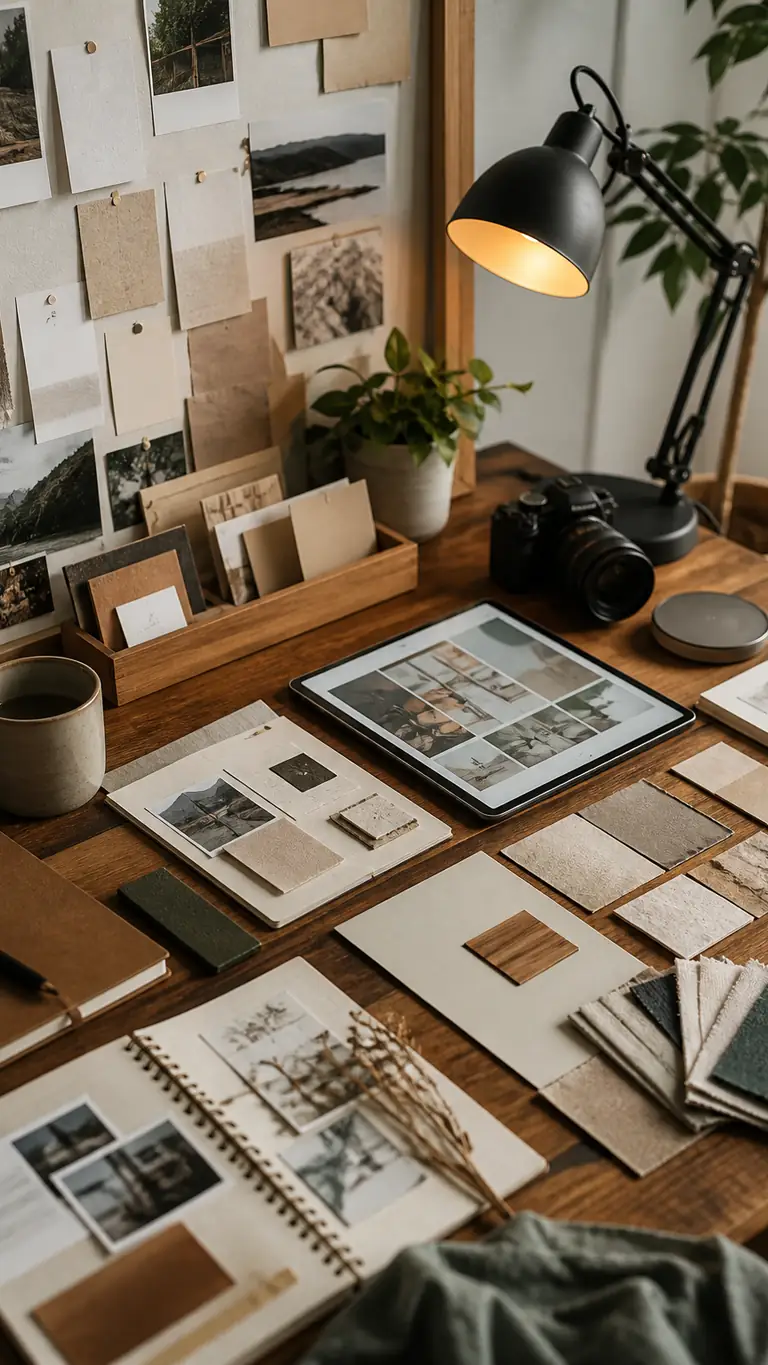 AI Image
 AI Image
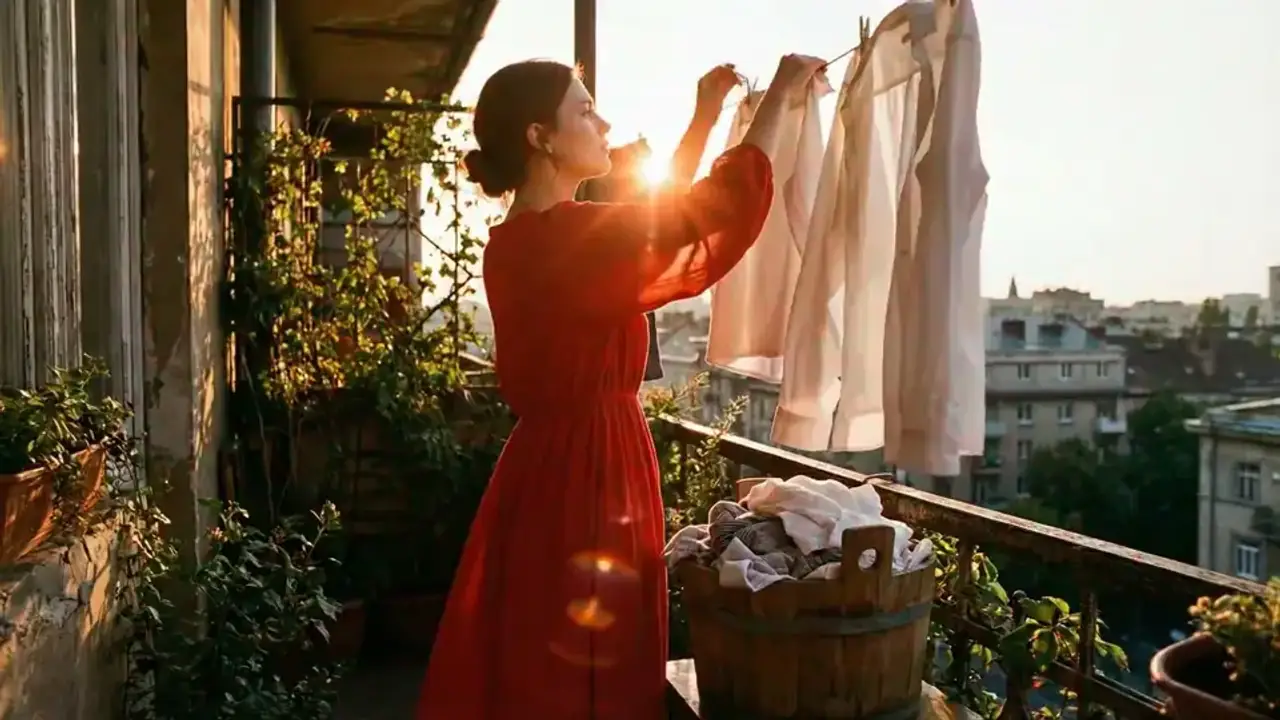 AI Video
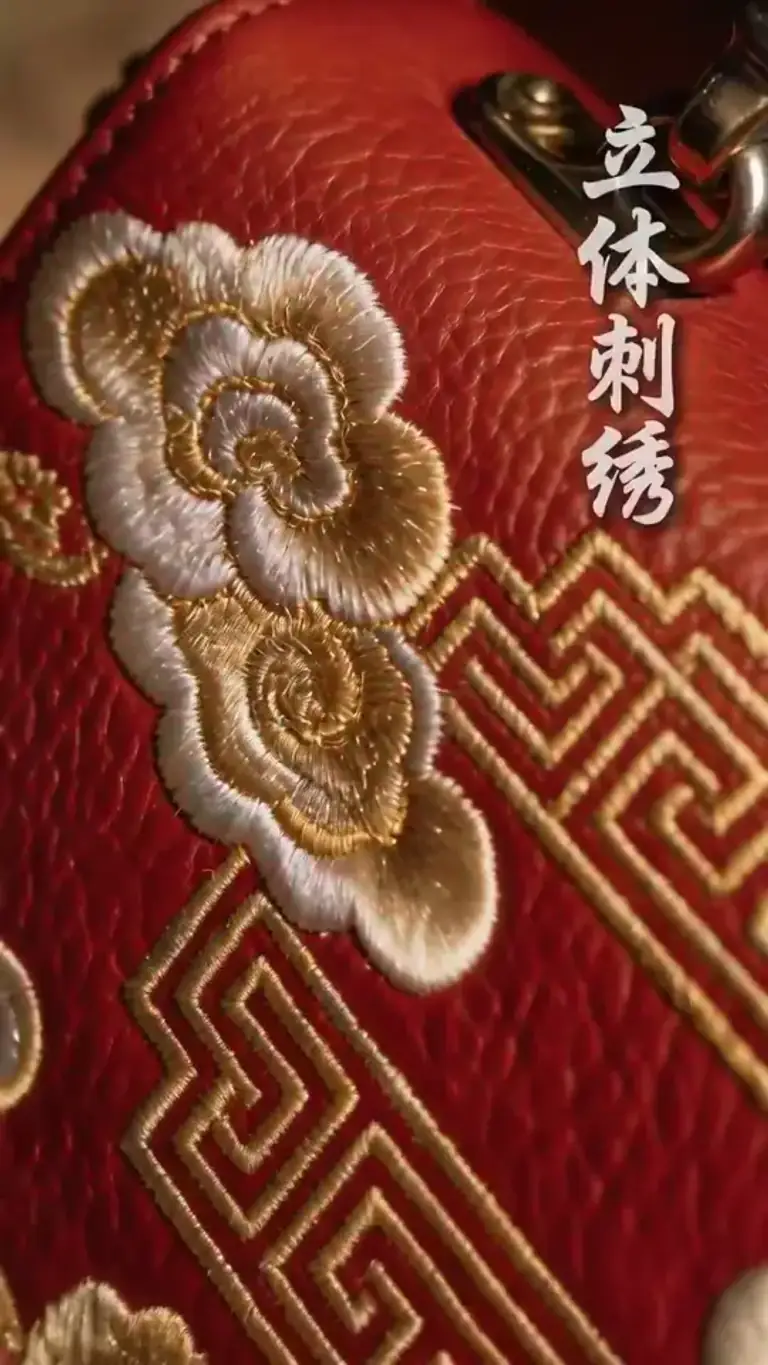 AI Video
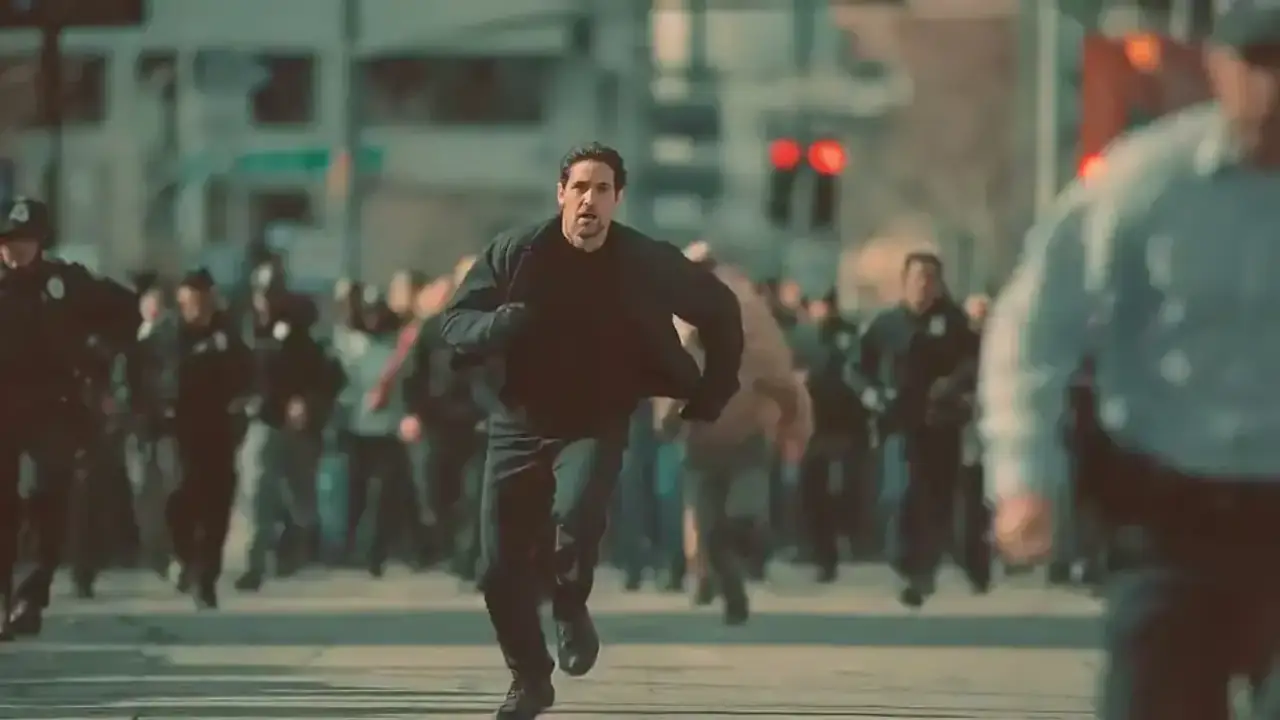 AI Video
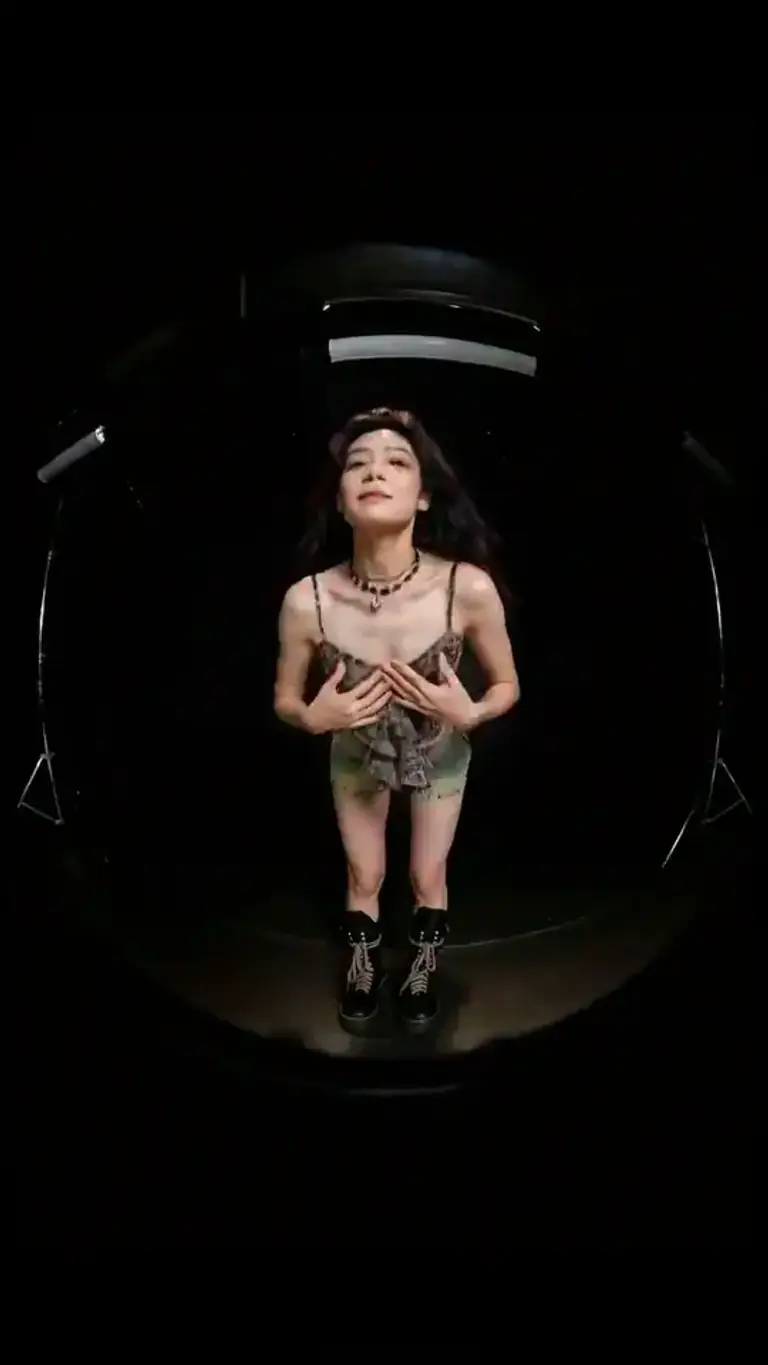 AI Video
 AI Video
Take an image or video idea into a project workspace for character, scene, storyboard, and asset planning.
Describe the concept, audience, characters, mood, format, and deliverables so the workspace starts with clear direction.
Pick a style and aspect ratio before project setup so generated assets stay aligned with the intended format.
Review the outline, characters, and project setup, then continue generating storyboard shots and preview media.
Plan characters, scenes, storyboards, and assets for AI image and video projects.
Turn one creative brief into a reusable project workspace instead of scattered one-off generations.
For story-based image and video projects, develop an outline to guide scene order and narrative pacing.
Organize character details and visual references for the project's images and videos; generated appearances can vary.
Plan shots and scene progression for visual stories, then review storyboard images and video previews in the project.
Choose portrait or landscape early so generated assets fit the target channel or campaign.
Use curated concepts to preload stronger briefs, then refine them before launching the project workflow.
Choose the plan that works best for you. Cancel anytime.
$180 USD billed yearly
$420 USD billed yearly
$720 USD billed yearly
All payments are securely processed by Stripe.
Practical answers for planning and initializing AI Studio projects.
It creates a project workspace with an outline, cover direction, characters, and a ready state for storyboard and media generation.
Yes. AI Studio organizes cover images, characters, storyboard frames, and preview videos in a shared project context, so image and video creation stay connected in one workspace.
Yes. Inspired examples can preload a stronger creative brief, then you can edit it before launching the full project workflow.
No. AI Studio initializes the workspace first, then you can keep refining the outline, characters, storyboard shots, and preview media inside the project.
The estimate covers project initialization and the first preview-oriented workflow steps. The required amount is shown next to the main input before submission.
Jump into ImagineHub’s core workflows for images, video, and studio projects.
Create images from text prompts
Apply cinematic looks to any photo
Generate clips from prompts or references
Restyle uploaded clips with filmic looks
Turn a scene description into a clip
Plan story, scenes, characters, and assets
Turn one idea into images, videos, or studio-ready content with the mode that fits your project.