
What can I do with GPT Image 2 on ImagineHub?
Create and edit images with GPT Image 2 on ImagineHub. Turn prompts or reference images into posters, product visuals, and layouts with text inside images. Model API documentation
 ImagineHub
Create and edit images with GPT Image 2 on ImagineHub. Turn prompts or reference images into posters, product visuals, and layouts with text inside images.
Explore examples and use a prompt as a starting point.
Generate from a text prompt or switch to image-to-image and upload a reference image.
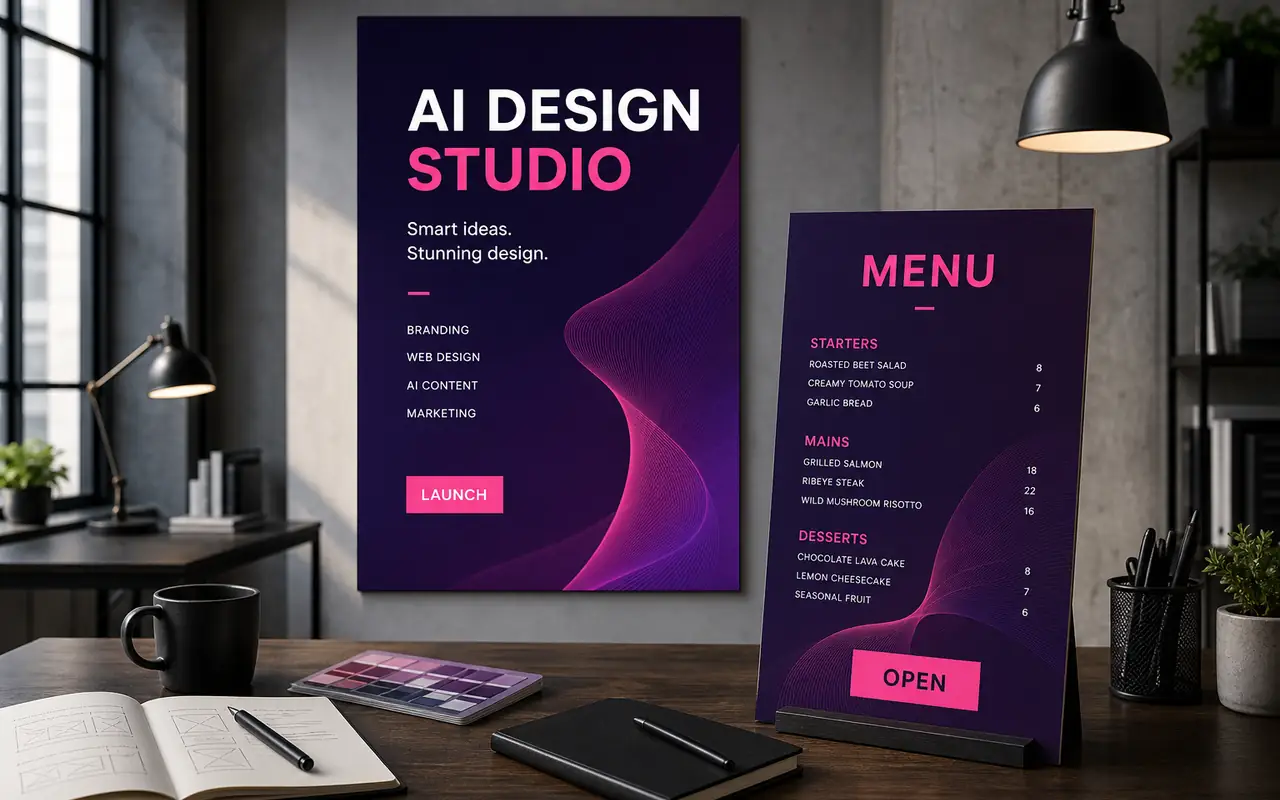
Describe the layout, subject and intended poster or menu format.
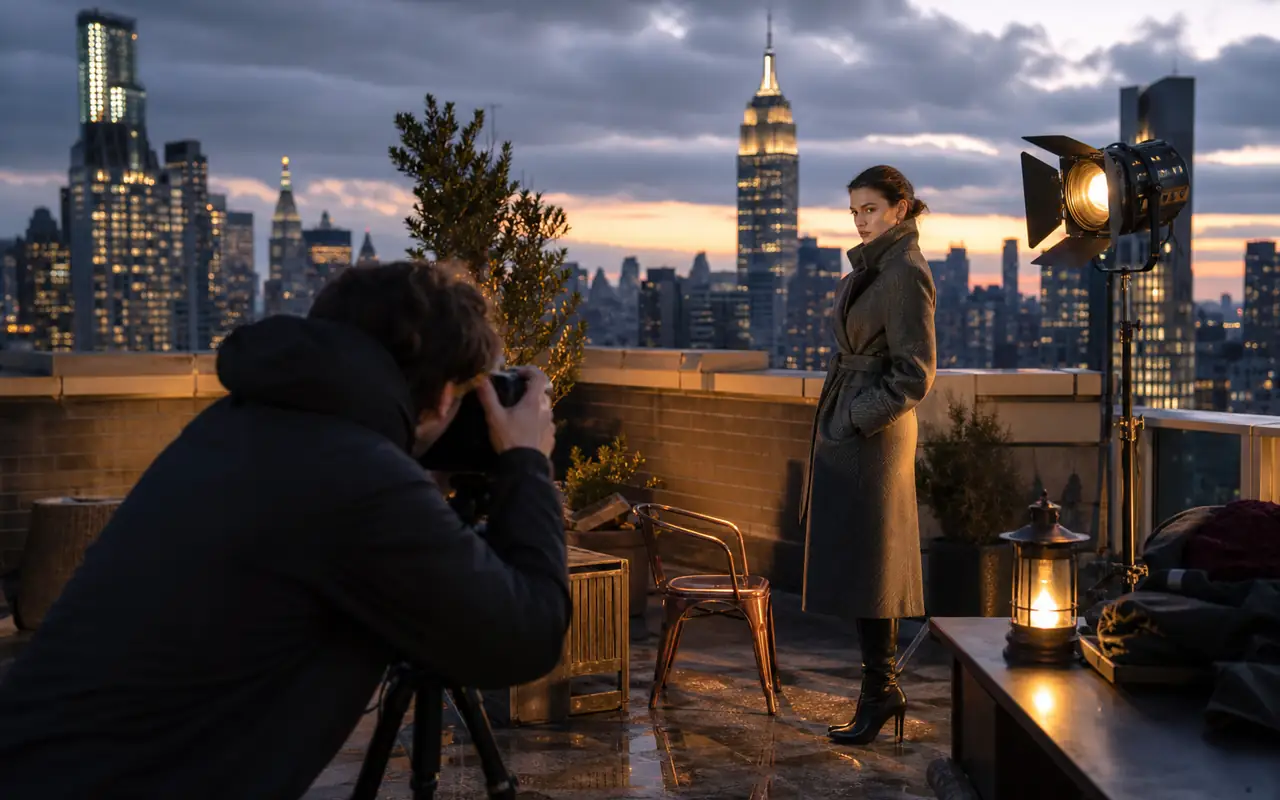
Specify the subject, environment, framing and placement of objects.
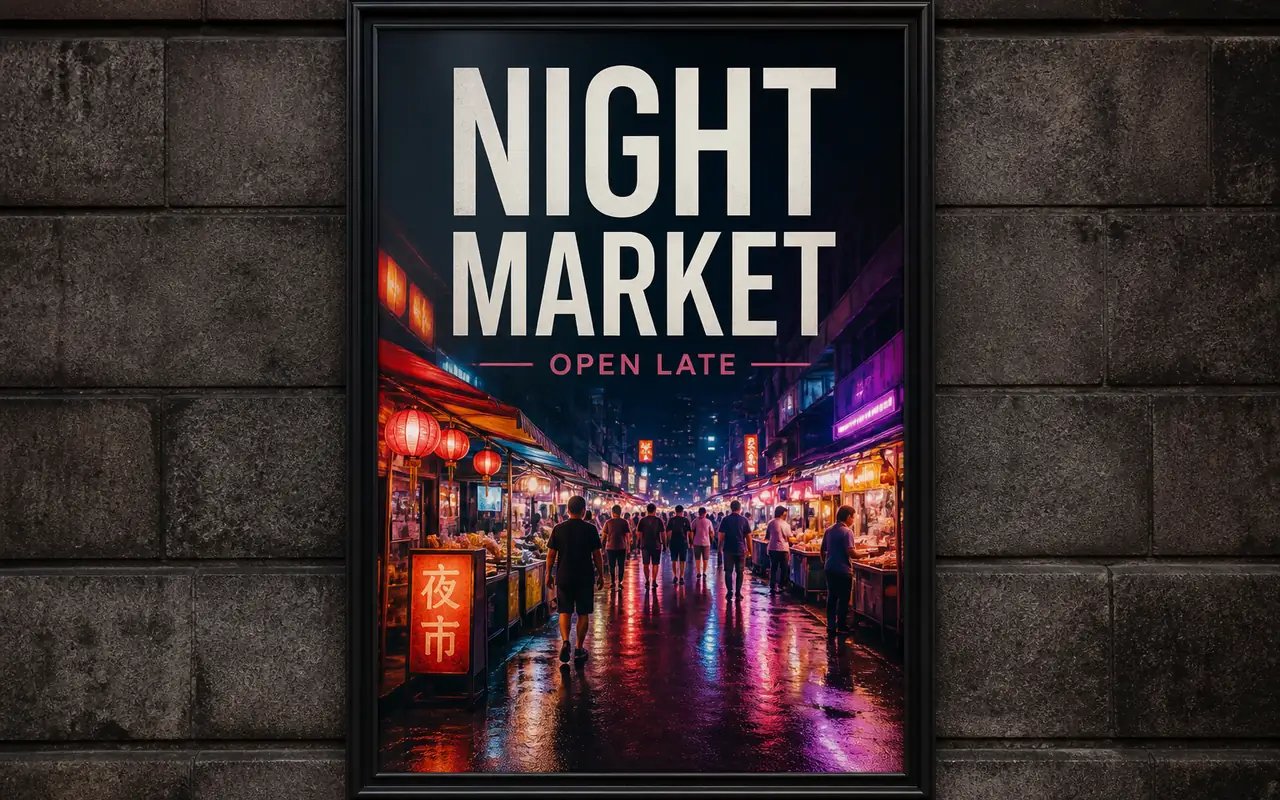
Put the desired wording in your prompt, then check spelling and placement in the result.
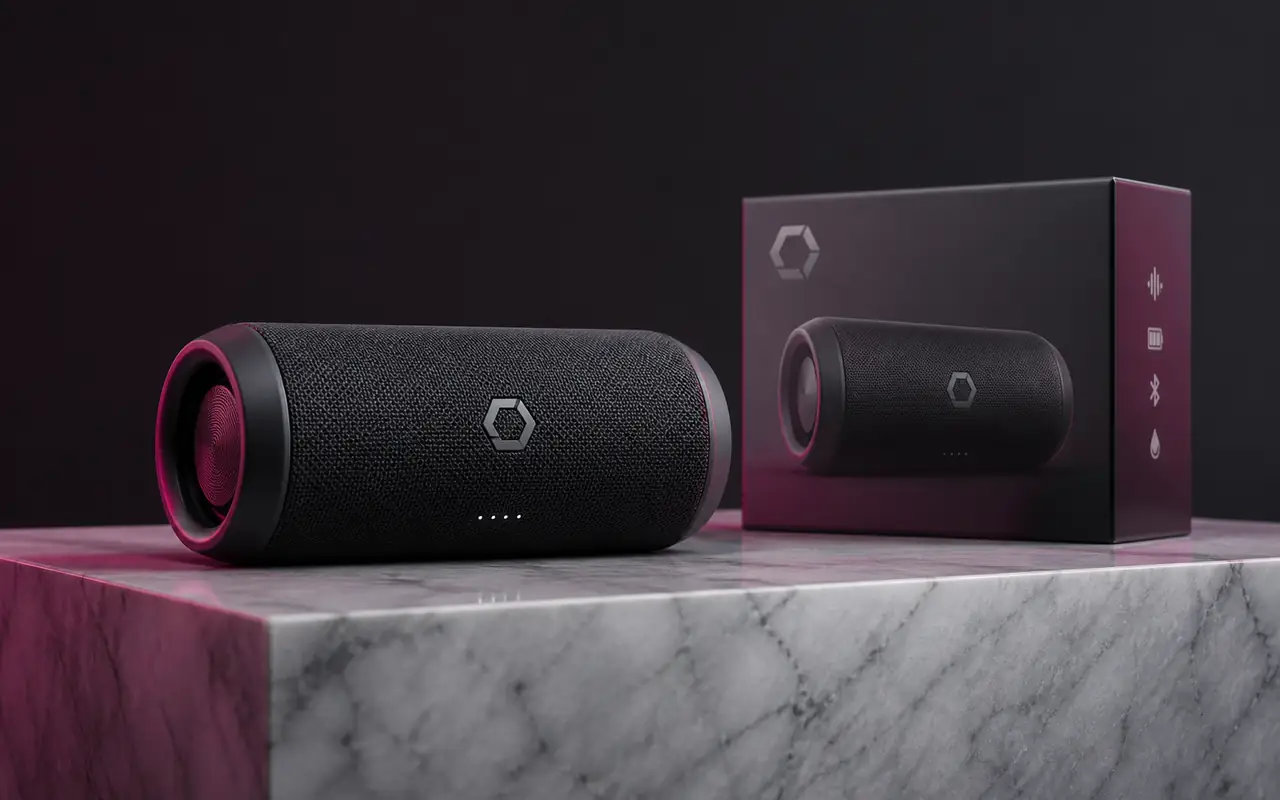
Create a campaign concept and review its details before publishing.
Compare monthly and yearly plans for AI image and video generation.
$166.8 USD billed yearly
$418.8 USD billed yearly
$838.8 USD billed yearly
All payments are securely processed by Stripe.
Practical answers for using GPT Image 2 inside ImagineHub.
Create and edit images with GPT Image 2 on ImagineHub. Turn prompts or reference images into posters, product visuals, and layouts with text inside images. Model API documentation
Generate from a text prompt or switch to image-to-image and upload a reference image. Upload a reference image and describe the changes you want to make.
Describe the subject, composition, lighting and style. Include any required text and revise the prompt after checking the result.
GPT Image 2: posters, product visuals, and layouts with text inside images. Try this model for the tasks listed above and compare your results using the same brief. Quality and speed can vary with the prompt and settings.
Check embedded text, visual details and suitability for your intended use. A generated image is not a guarantee of accuracy or permission to use third-party material.
Yes. Check the displayed credit cost before generating. This page currently requests one image at a time; changing models can change the cost.
Compare image models by what they do best, then switch to the workflow that fits your prompt, speed, and editing needs.
posters, product visuals, and layouts with text inside images
lifestyle scenes, product concepts, and social media visuals
product shots, fashion concepts, and cinematic visual scenes
Use the broader multi-model image workflow when you want more model choice in one place.
Go prompt-first when you want a simpler generation page focused on creating from scratch.
Start from a reference image when the task is controlled editing, remixing, or structure-preserving variation.
Generate images and videos with ImagineHub. Turn text and references into visuals with AI tools.