
Faster text-to-video ideation
Seedance 2.0 is a strong option when you want to test multiple scene directions quickly without losing motion intensity.
 ImagineHub
Use Seedance 2.0 for fast motion iteration, precise action timing, and flexible reference-driven video control.
Explore four curated examples and reuse their prompts, references, and settings to build your own Seedance 2.0 video.
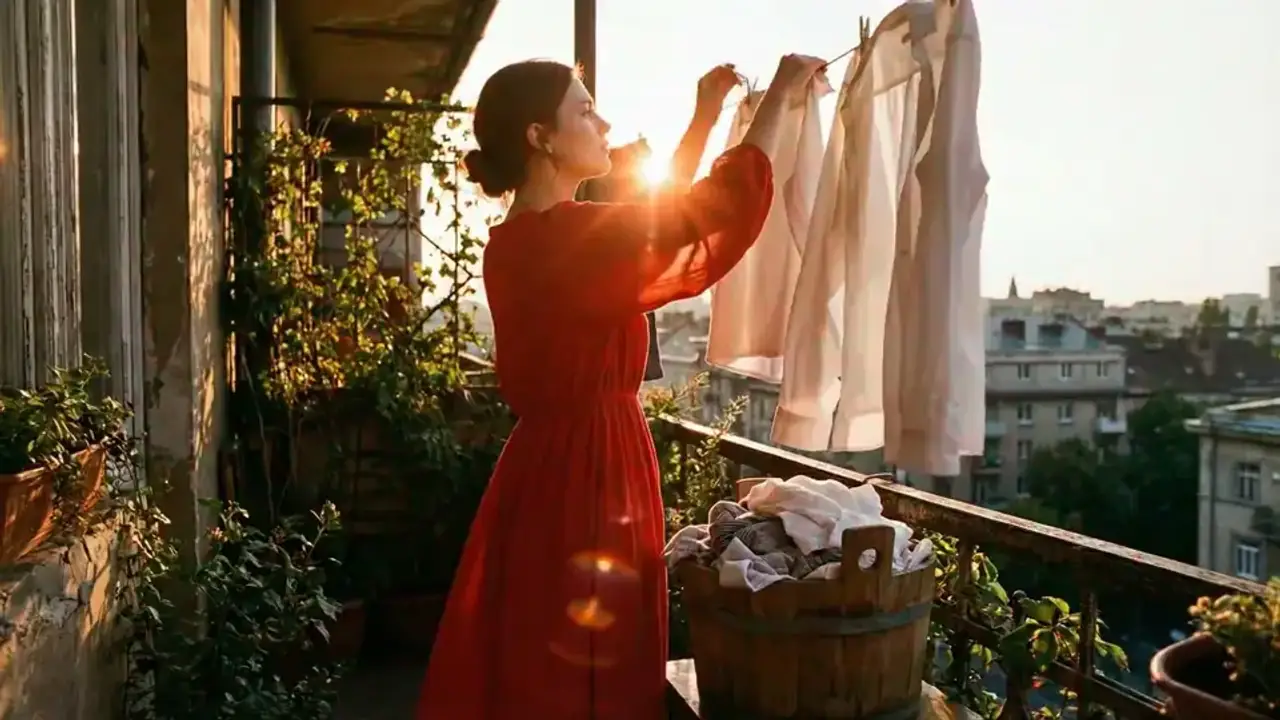
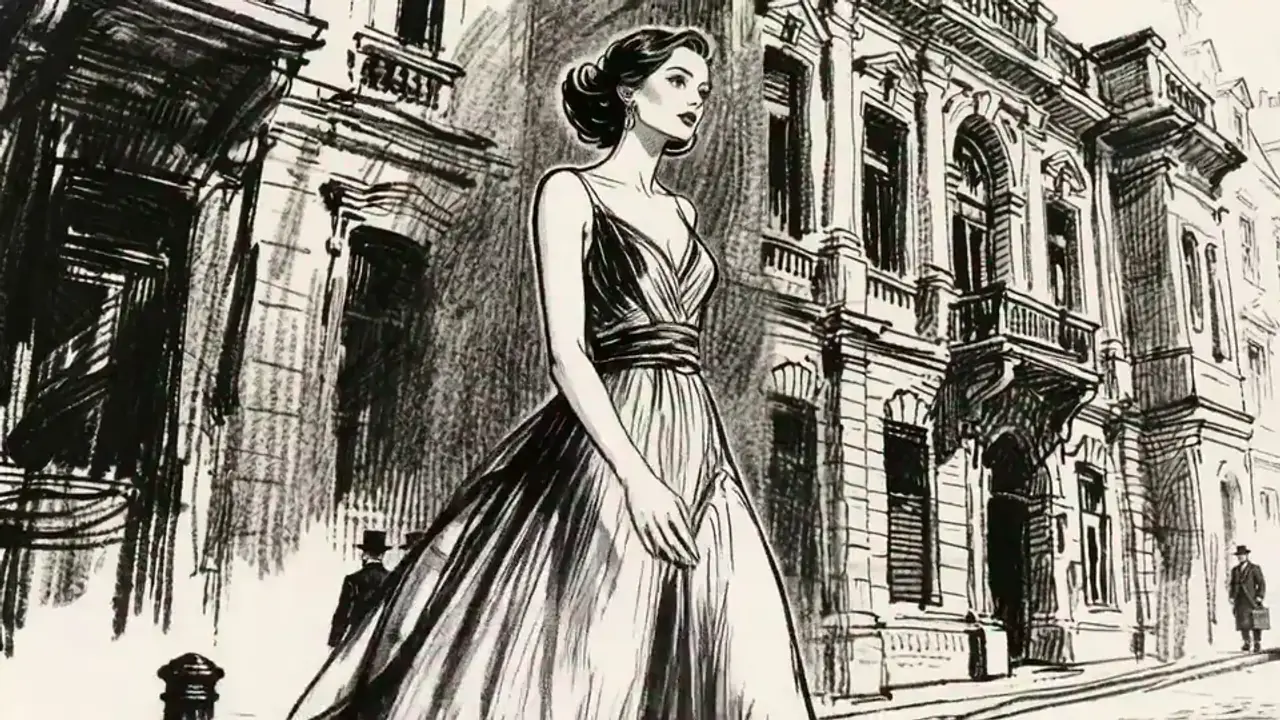

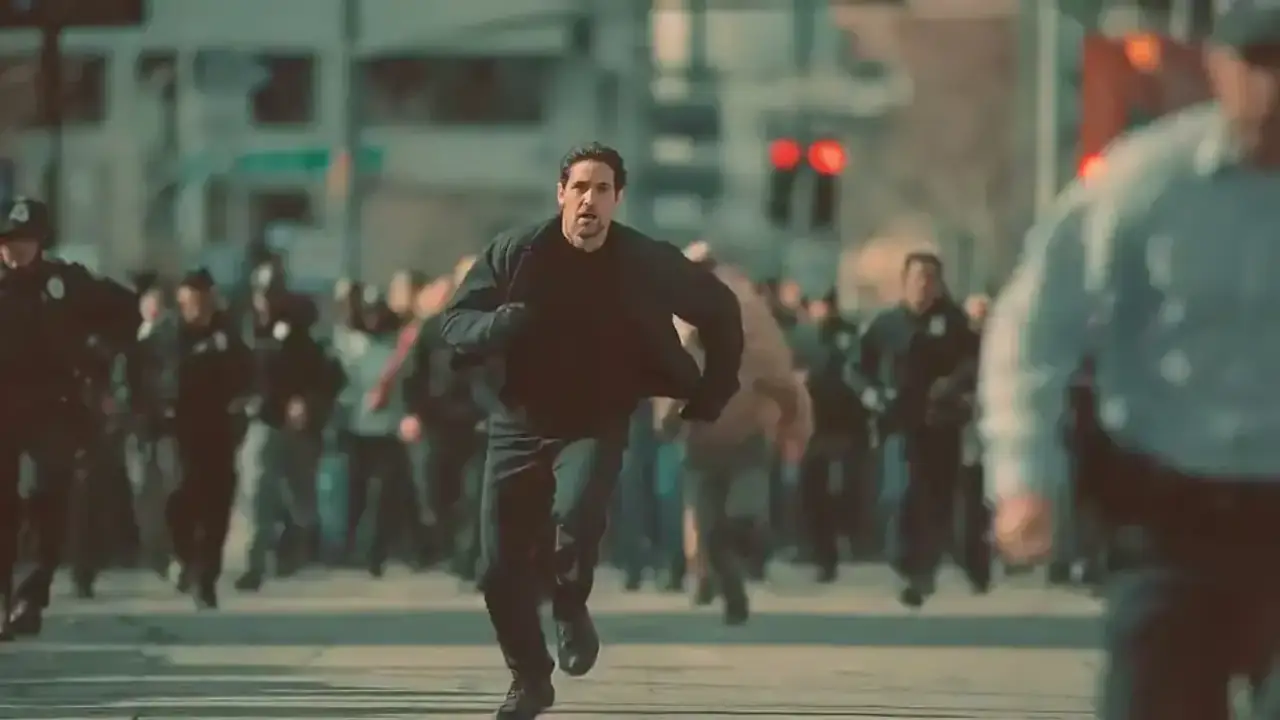
Seedance 2.0 fits video workflows that need fast iteration, precise action timing, and flexible reference-guided control.
Seedance 2.0 is a strong option when you want to test multiple scene directions quickly without losing motion intensity.
Start from a still frame when you want to preserve the look of a hero image while adding motion, pacing, and camera energy.
Use opening and closing frames to guide a stronger in-between motion path for promos, product transitions, cinematic sequences, or a stylized anime opening.
Bring in reference images or motion clips when the timing, performance, or visual rhythm of a scene needs tighter matching.
Choose the plan that works best for you. Cancel anytime.
$180 USD billed yearly
$420 USD billed yearly
$720 USD billed yearly

All payments are securely processed by Stripe.
Practical answers for using Seedance 2.0 inside ImagineHub.
Seedance 2.0 is especially useful for fast iteration, reference-guided motion, precise action timing, and dynamic clips that benefit from flexible control.
Yes. This page supports text-to-video, image-to-video, first-last frame to video, and reference-to-video workflows under the Seedance 2.0 model family.
Use Seedance 2.0 when you prioritize faster iteration and flexible reference-based motion control. Choose Veo 3.1 when cinematic, prompt-led scene construction matters more.
The gallery is intentionally tighter so the main Seedance 2.0 workflows are easier to compare and reuse without mixing too many unrelated patterns.
Yes. You can generate 9:16, 1:1, and 16:9 outputs depending on the platform, pacing, and framing needs of the scene.
Yes. Credit cost depends on the selected Seedance 2.0 mode, duration, resolution, and output count.
Compare Seedance 2.0 with other image and video model pages, then switch to the workflow that best fits your next shot.
Use this page for fast iteration, flexible reference-driven control, and high-energy video generation.
Switch to Veo 3.1 when you want more cinematic prompt-led shots and cleaner film-like staging.
Open the broader multi-model video workflow when you want Veo 3.1 and Seedance 2.0 in one place.
Start from a simpler text-first route when you want a more direct clip-generation workflow.
Open the dedicated image-to-video page when the main goal is animating a still reference frame.
Move to GPT Image 2 when you need stronger still-image composition, text rendering, or layout-heavy prompt control.
Turn one idea into images, videos, or studio-ready content with the mode that fits your project.